
The OptimiDoc destination stores documents in OptimiDoc Cloud Storage. Documents can be retrieved using the following methods:
-
the My Documents widget in OptimiDoc Workplace
-
OptimiDoc Cloud Client
-
OptimiDoc Document Downloader
-
direct access to OptimiDoc Cloud via the REST API
Each option supports different use‑case scenarios.
How to configure the OptimiDoc destination
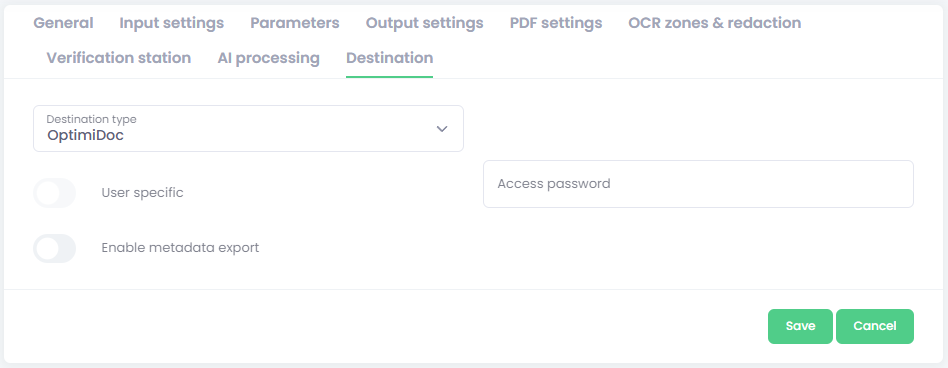
-
Select the OptimiDoc destination type.
-
Fill required settings:
-
Enter parameter configuration:
-
Access password – Access to a document can be restricted by a password. Without the correct password, the document cannot be retrieved.
-
Enable metadata export – activate this option to save a metadata file alongside the document.
Configuration of metadata files is described here: Metadata export .
-
Instructions on how to retrieve documents are provided in the End‑User Guide. For REST API integration requests, please contact our team at support@optimidoc.com.