
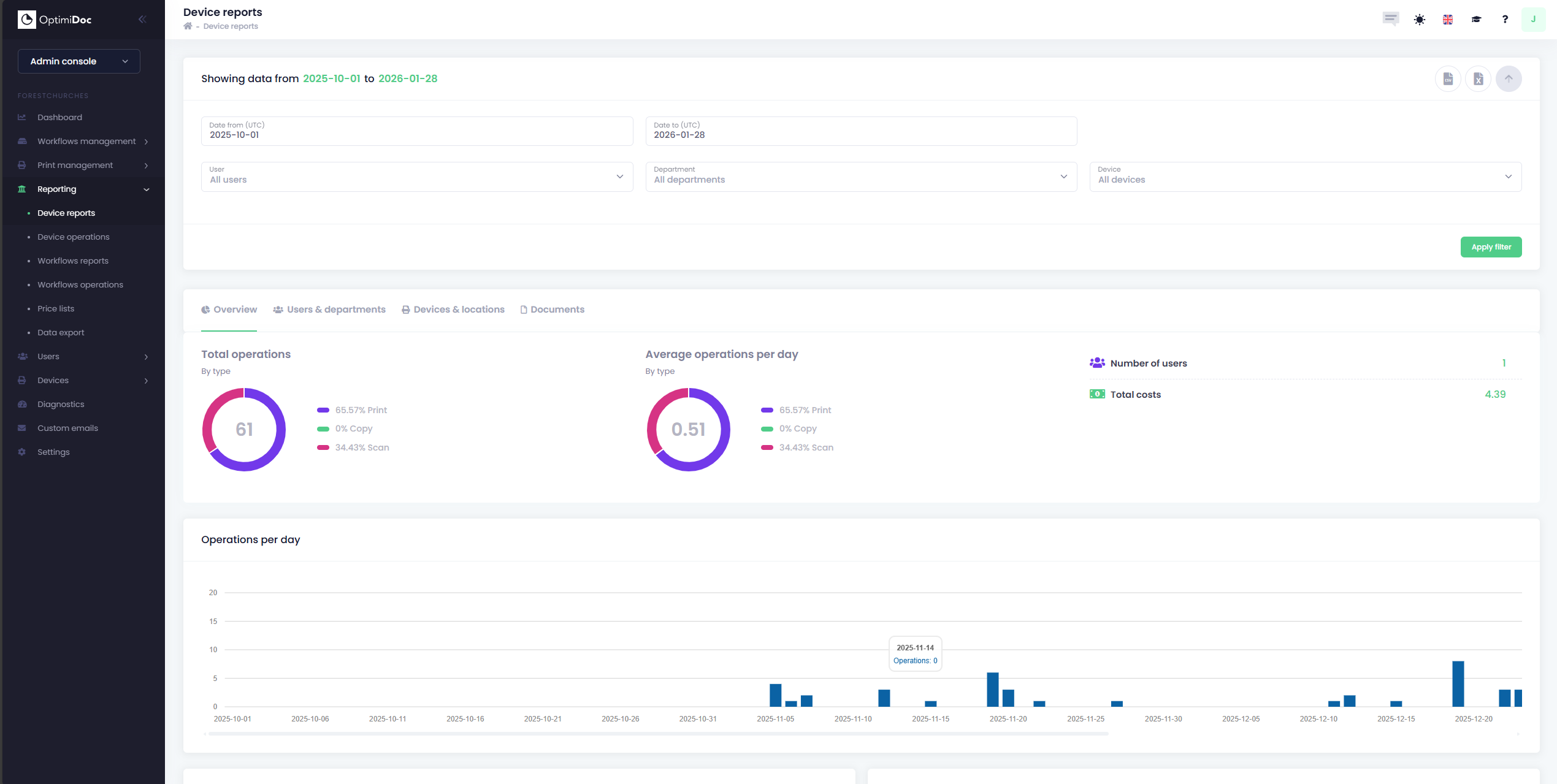
OptimiDoc Cloud provides a comprehensive overview of every document interaction within the tenant. By capturing data directly from the multi-functional device (MFD), the system ensures that every print, scan and copy is recorded. This allows administrators to move away from guesswork and maintain a precise audit trail of hardware utilization.
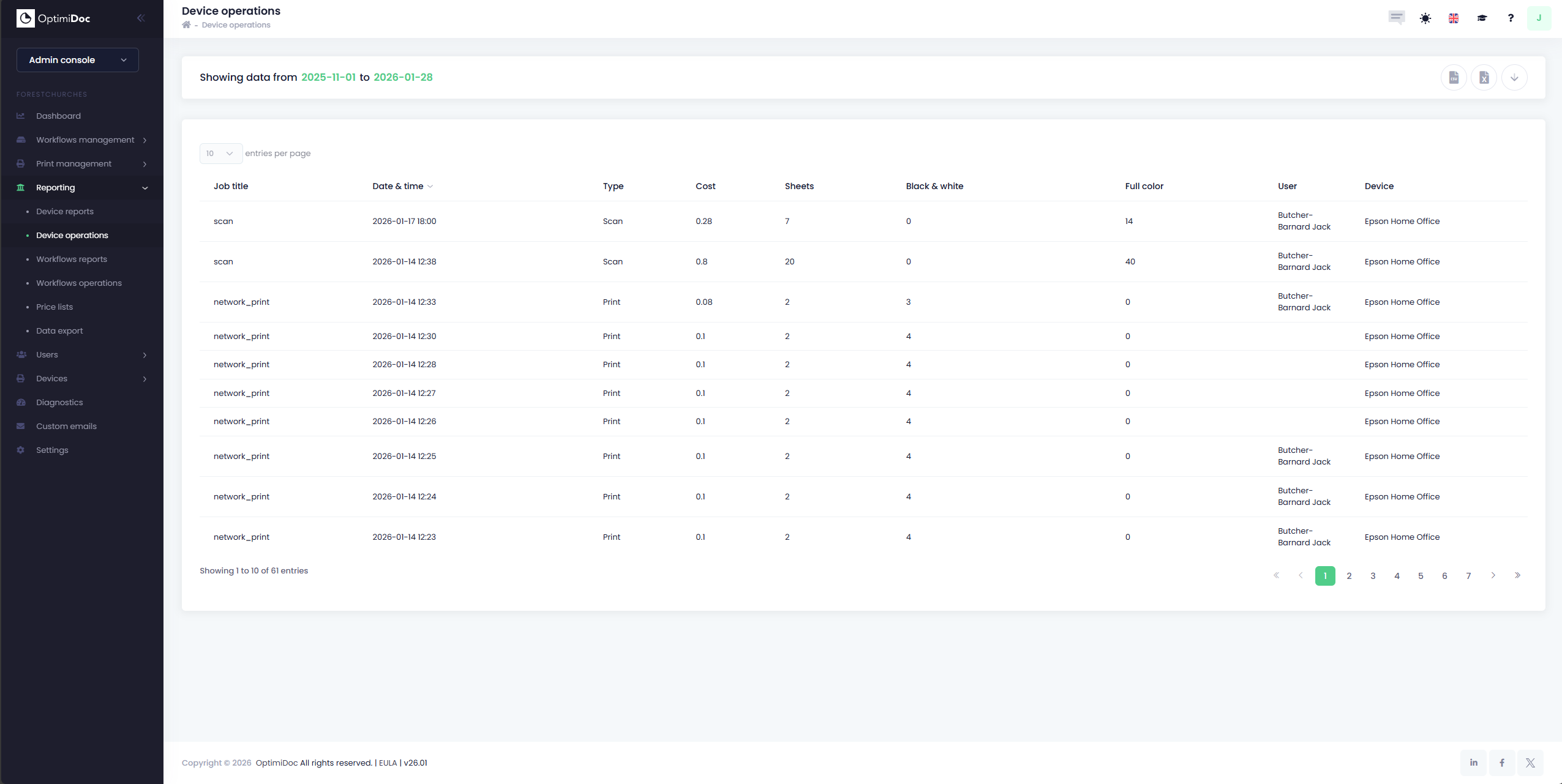
OptimiDoc Cloud provides four different types of reports, these include:
Additionally, you can also configure Price Lists which can be assigned on a per-device basis.
Data Export (CSV, Excel & PowerBI)
As well as providing a vast range of data for users to work with, OptimiDoc Cloud also provides users with the means to export your data for further use elsewhere. All reports can be exported into your choice of a CSV file or Excel Spreadsheet.
Additionally, OptimiDoc now supports the export of reports to Microsoft PowerBI. The Data Export page, located within the Reporting section in your cloud tenant’s Admin Console and is pre-loaded with a PowerBI template that can be used to display your data, once exported.
You can read more about the data export in PowerBI Data Export