
OptimiDoc Cloud provides a management interface that enables partners/reseller to manage their end customers.
Partner overview
To open the customer management interface, select Partner overview in the top‑left corner of the OptimiDoc Cloud Portal.
To access the Partner Section:
-
Your tenant must be configured as a Partner type.
-
Your user account must have the Customer Support role.
Dashboard
Once you open the Partner overview, you will be taken to the Dashboard.
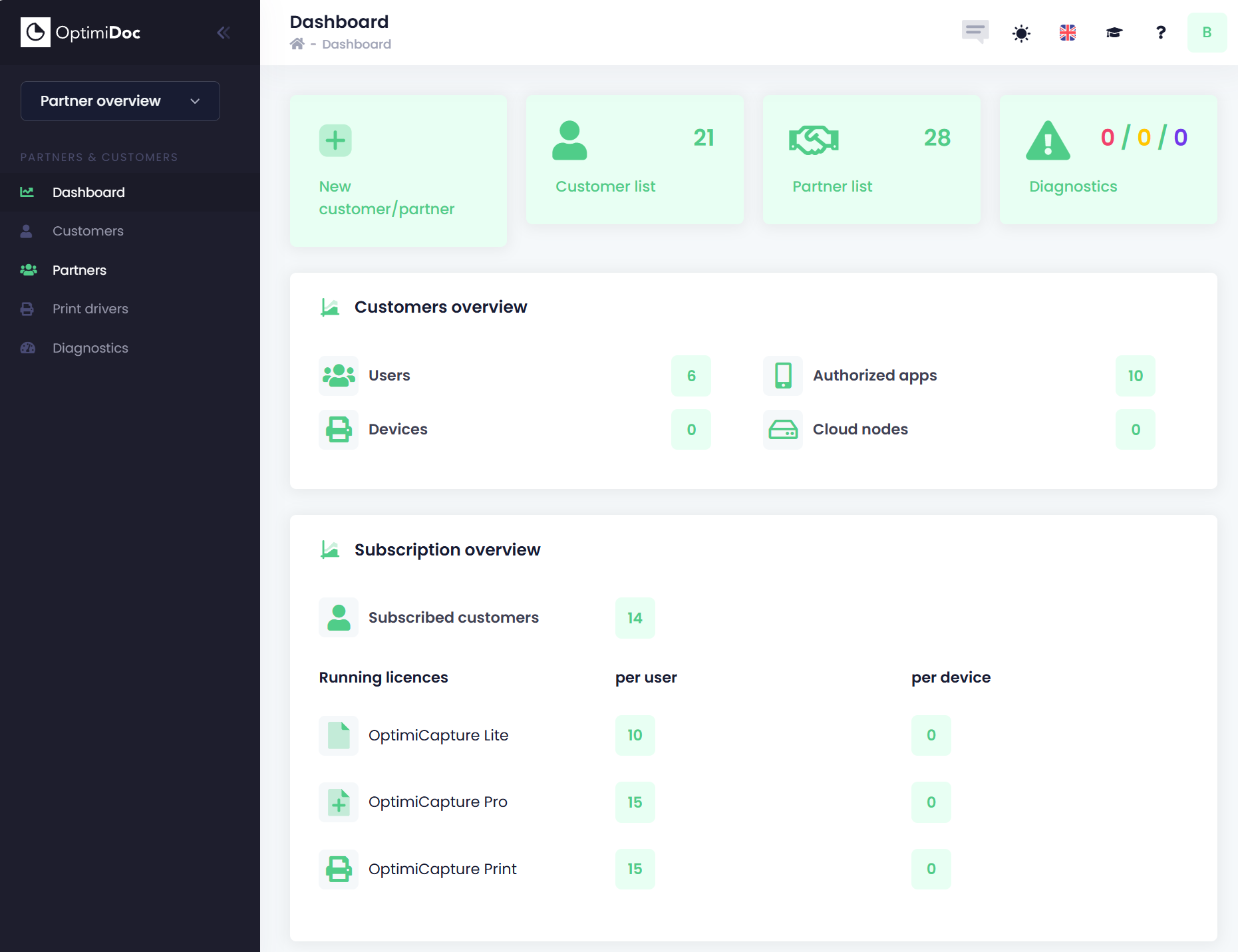
The Dashboard provides a quick overview of your active customers, their licences, and other essential information.
As a Customer Support user, your main responsibilities include:
This section explains how to create, modify, and manage an OptimiDoc Cloud tenant for your customers.