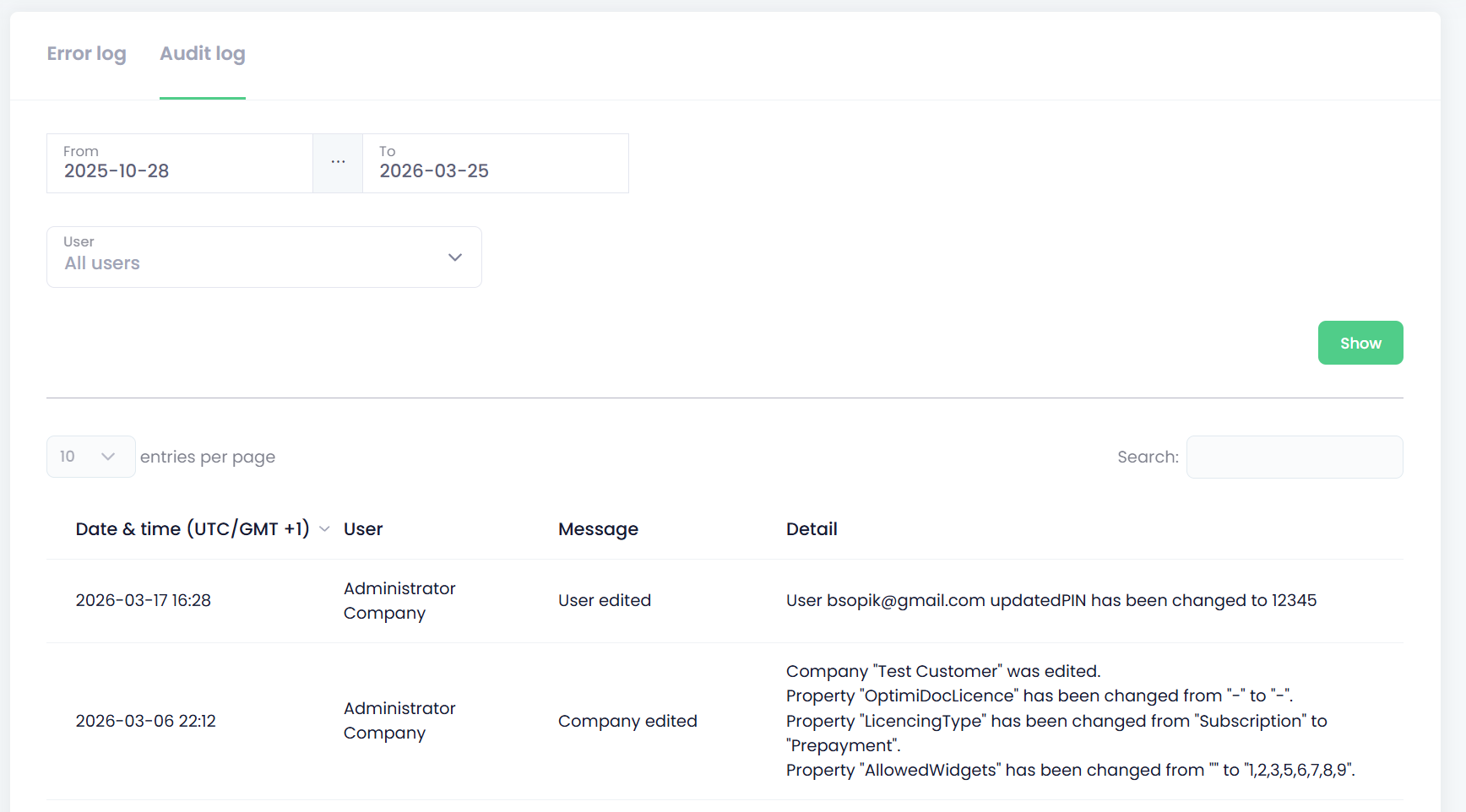
The Diagnostics section provides a complete overview of all actions and events occurring within your OptimiDoc Cloud tenant. It helps administrators track configuration changes, monitor system behaviour, and identify errors related to product usage or document processing.
Viewing Error logs
-
Open the Diagnostics section and navigate to the Error Log tab.
-
If needed, specify a Time Range, or User to narrow down the results.
-
Click Show to display the log entries.
-
The Error Log lists all recorded errors based on the filters you have applied.
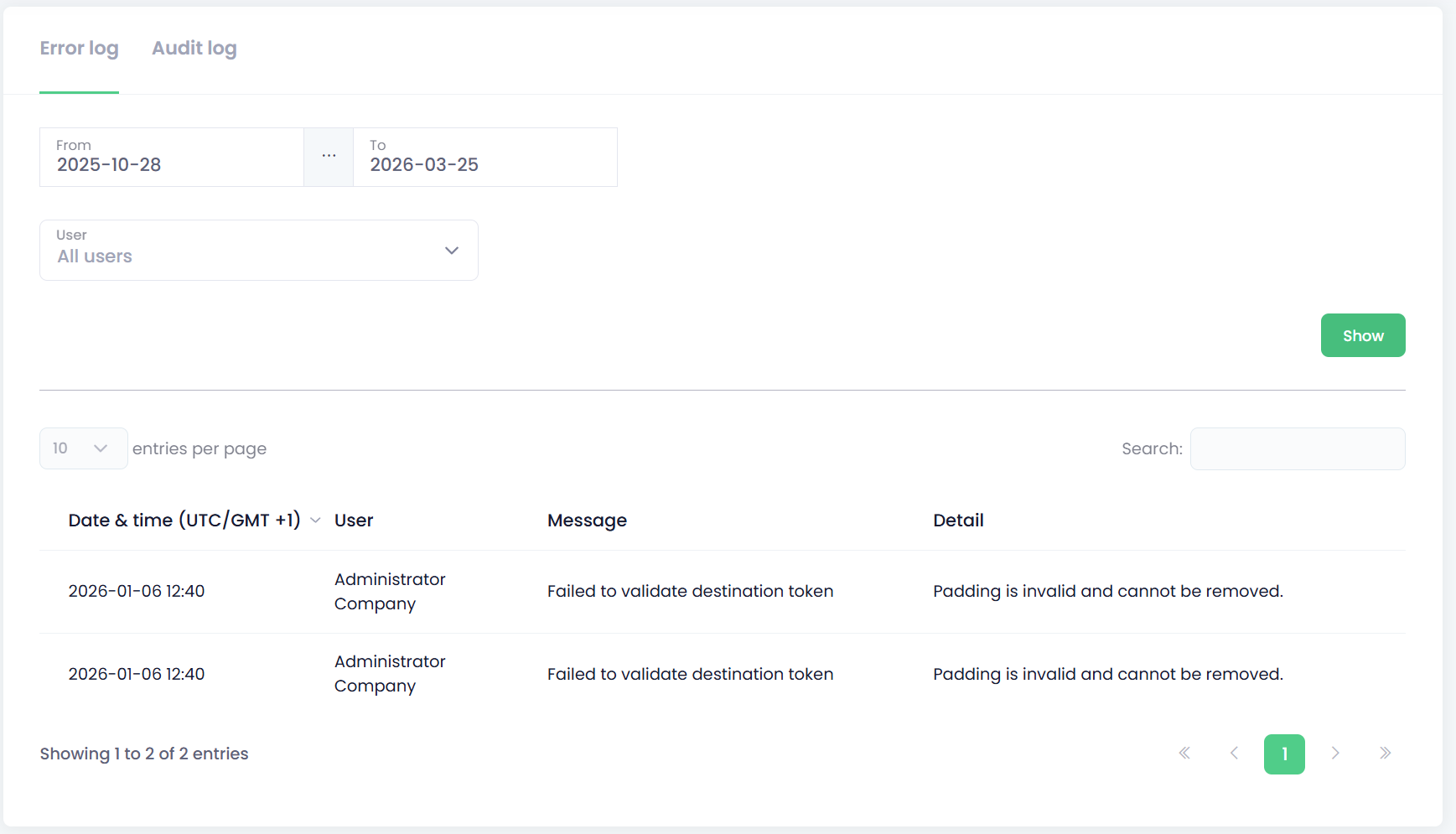
Additional information can be provided by the OptimiDoc Support team upon request.
Viewing Audit logs
-
Open the Diagnostics section and navigate to the Audit Log tab.
-
If needed, specify a Time Range, or User to narrow down the results.
-
Click Show to display the log entries.
-
The AuditLog lists all recorded operations based on the filters you have applied.