
The Advanced External List allows you to populate scan‑workflow parameters dynamically from an external source such as CSV, XML, JSON, or a REST API endpoint.
This ensures users select valid predefined values instead of typing metadata manually.
OptimiDoc Cloud offers three types of lists:
-
File – The administrator uploads a file, and OptimiDoc stores the items internally.
-
URL – The administrator provides a URL from which OptimiDoc downloads the file, retrieves the list values, and stores them internally.
-
Online – the most advanced option. The administrator defines a file URL or REST API endpoint, and OptimiDoc loads the latest data each time the user runs a scan workflow containing this parameter. Thanks to real‑time communication, the online list can also use manually entered or system parameters to filter the data in the URL or REST API call.
Advanced list management
Management of Advanced External Lists is in the section Workflows Management> Advanced lists.
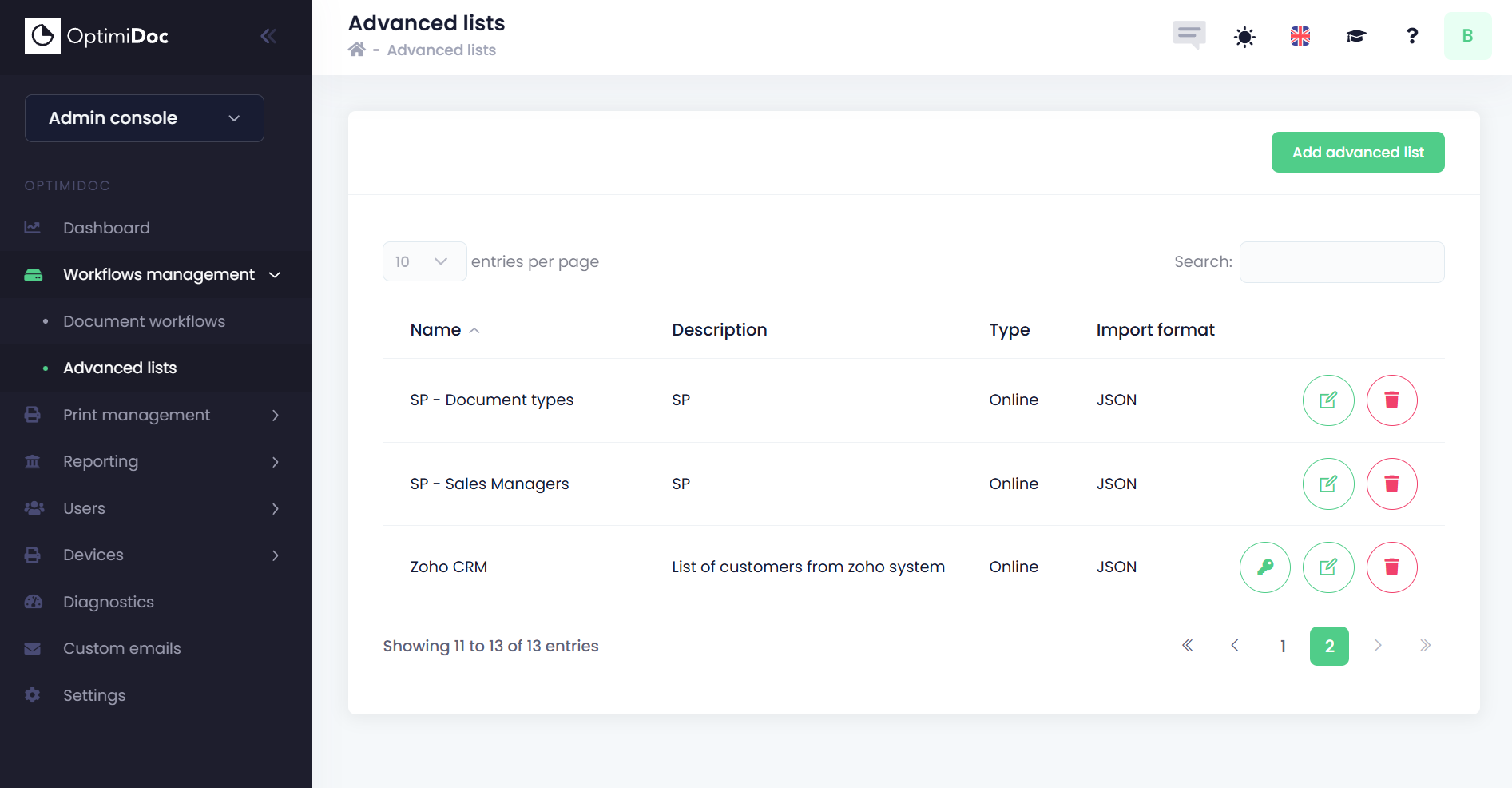
From this page, you can:
-
Create new advanced parameters. Each type of list has its own settings and configuration approach:
Once the list is configured, you can use it in your document workflows.
A detailed explanation is available in the section How to use advanced external parameters.