
Relevant licenses: OptimiPRINT
Device reports provide administrators with deep visibility into how Multi-functional printers (MFPs) are being used within the organization. These reports capture real-time data from every connected device, ensuring a precise audit trail of all print, scan and copy operations.
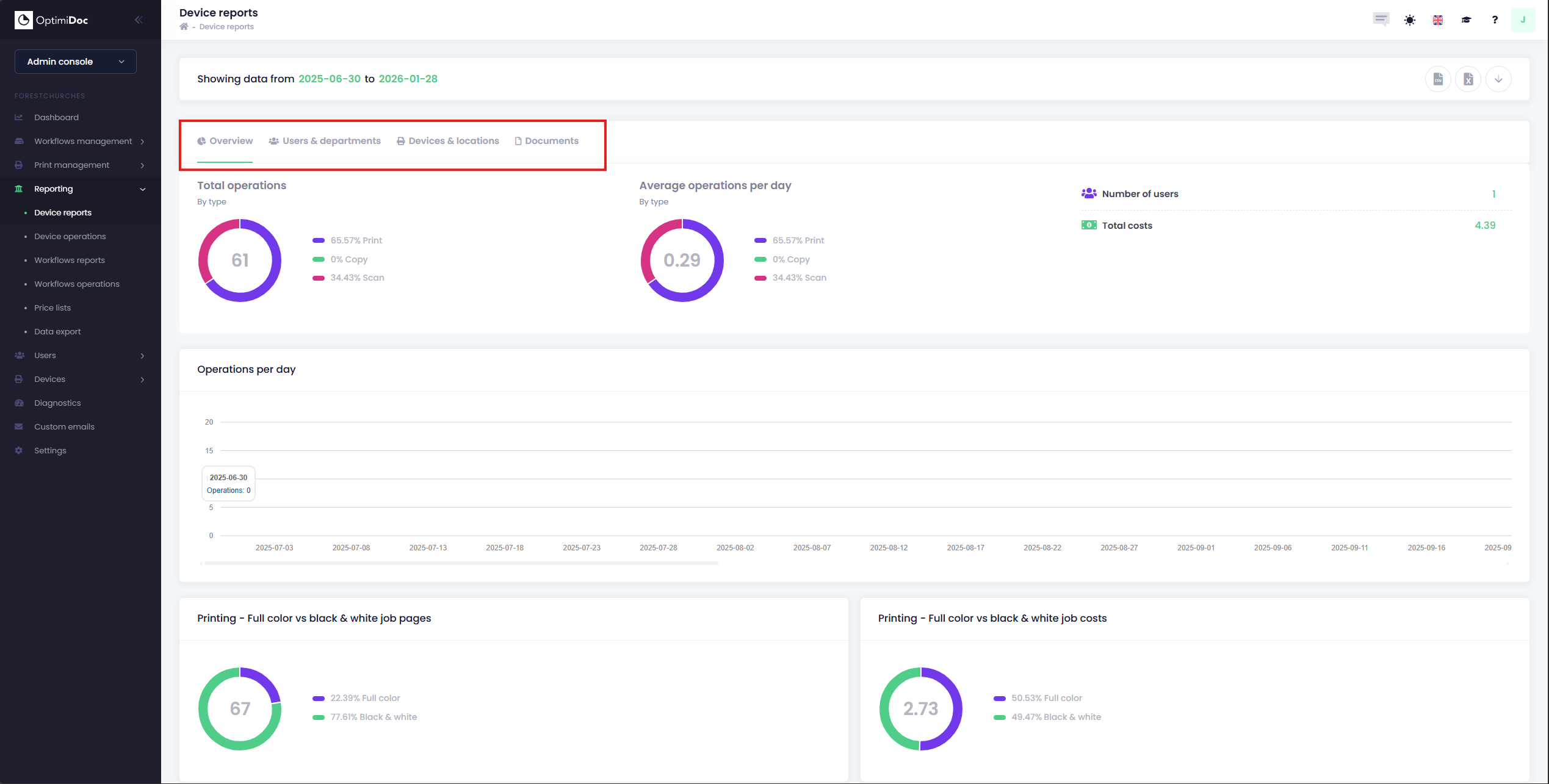
Device reports often include the following pieces of information
-
Operation Totals: A breakdown of total prints, scans and copy volumes
-
Usage Trends: Visual charts showing the most popular operations per day.
-
Technical Details: Specific data points such as paper size, whether the job was duplex or not and how many colour vs B&W prints have been done.
The reports can also be sorted by various different configurations, including: Users & Departments, Devices & Locations and Documents.
Data Export
-
All reports can be exported into either CSV or an Excel Spreadsheet for further analysis. You can also use our new PowerBI Data Export