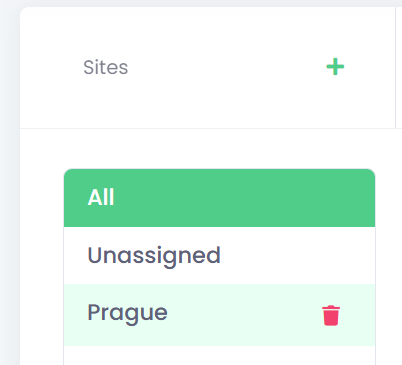
Sites represent a separate network infrastructure within your company’s network. It is not just for the simplified management and organisation, but this information is also used for some specific functionality, like a pull printing from a mobile application.
Each device can be assigned to one site.
Create a new site
-
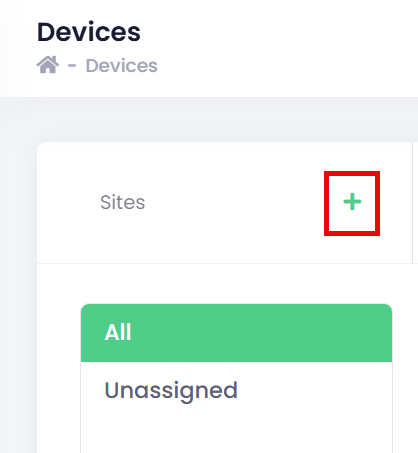
To create a new site, click at + button.
-
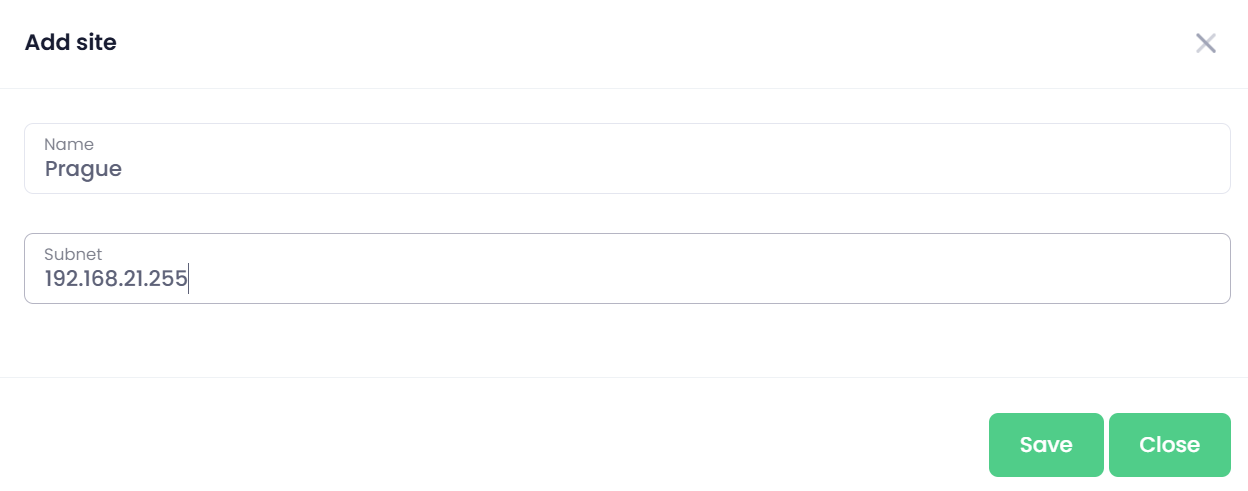
Fill Name and Subnet.
-
Click Save.
Assignment of Devices to a Site
Devices can be assigned to a site either directly from the device configuration or in bulk from the Devices list.
-
Single device assignment – Open the device for editing and select the required site.
-
Bulk assignment – Select one or more devices in the Devices list and use the Set Site action to assign them to a site.
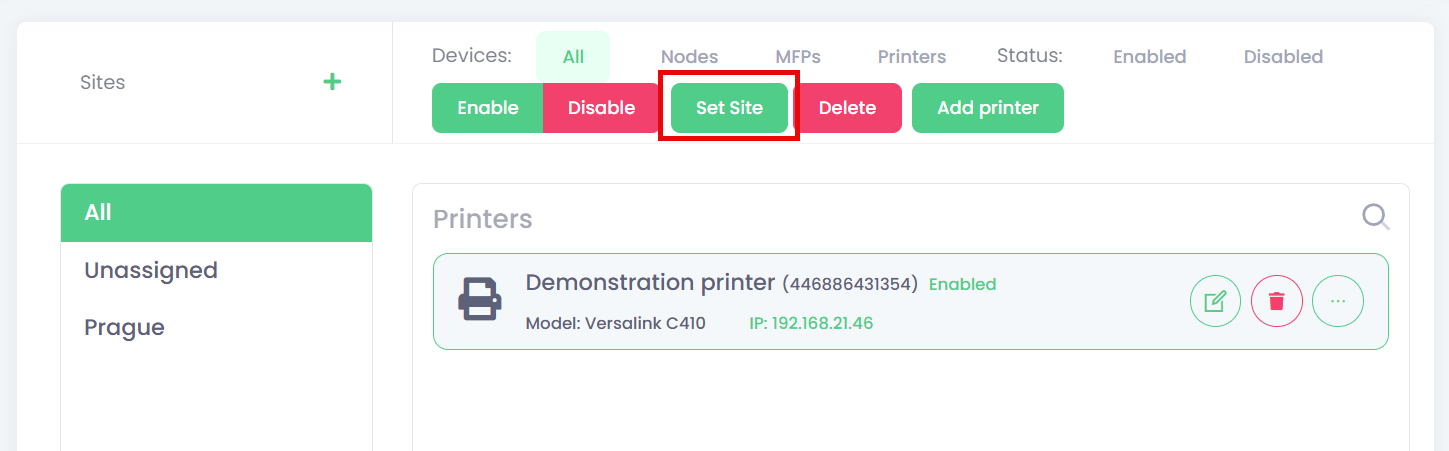
This allows administrators to efficiently organise devices according to a logical network structure.
Site Removal
To remove a site, click the trash icon next to the site name. Once removed, the site will no longer be available for device assignment.