
The Devices section provides a consolidated view of all devices registered in OptimiDoc Cloud.
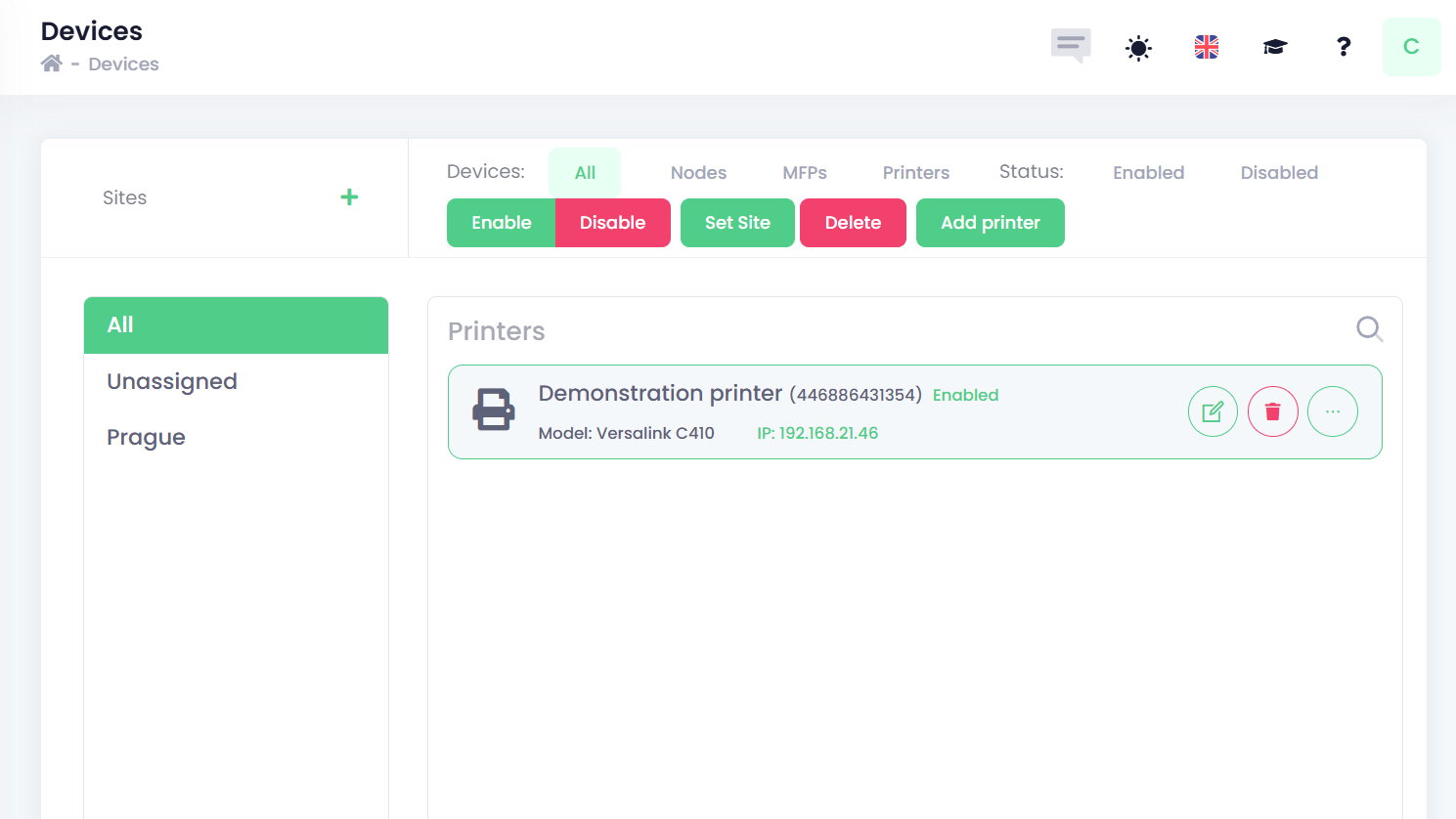
Devices are organised into Sites, which represent a single logical network or subnet within the customer’s network infrastructure.
Detailed information about Site configuration and management is available in the following section: Sites management.
Within each Site, the following three device types can be assigned:
-
MFPs – Multifunction devices or printers with an embedded OptimiDoc application installed.
-
Printers – Single‑function printers or multifunction devices without embedded integration, typically managed as network printing devices.
-
Nodes – OptimiDoc Cloud Nodes (OCN) connected to the tenant, used to enable local services such as device communication, pull printing from the mobile application, and integration within the customer’s network.
Each device type uses a specific configuration model based on its role and integration within OptimiDoc Cloud.
Filtering of devices
In the Devices section, devices can be filtered by Site selection or by using the top menu filters to refine the list by device type or device status.

Bulk operations
Multiple operations can be performed on one or more devices directly from the Devices list.
To perform an operation, select one or multiple devices and then choose the required action from the top menu.
