
Once you add the device to the HP Command Centre, you can install two applications.
Add the applications to your portfolio
-
Open the https://www.hpcommandcenter.com/, login and go to Solutions page.

-
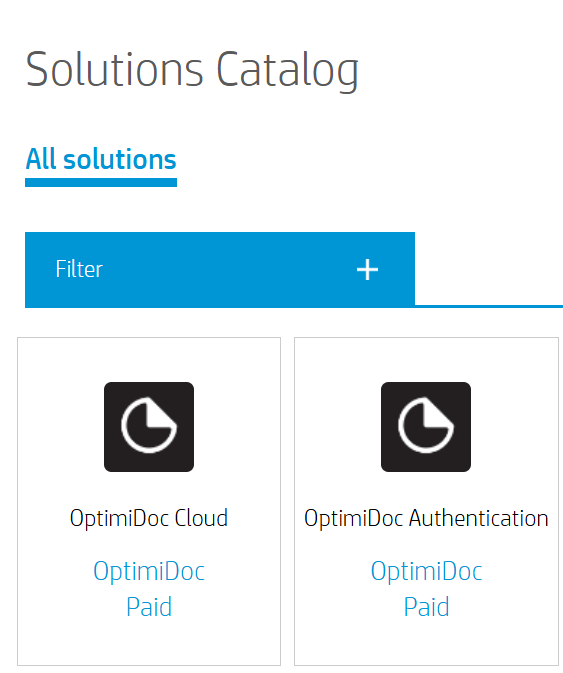
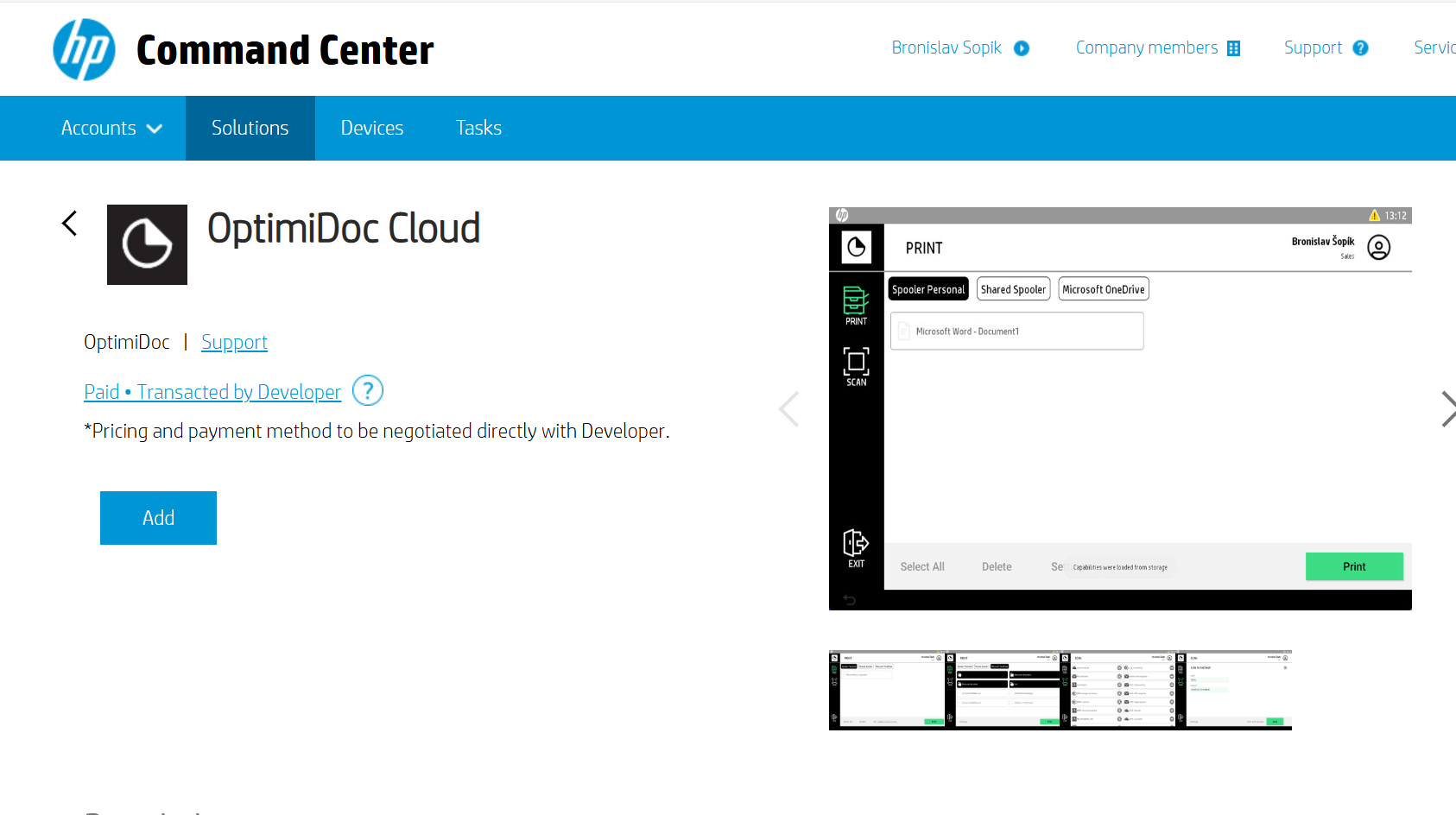
Search for OptimiDoc applications, then add it in the application details by clicking the Add button.
-
Now you have the OptimiDoc applications in your portfolio.
Installation of Applications
-
Go to the Accounts section and assign the device to the selected Account.
-
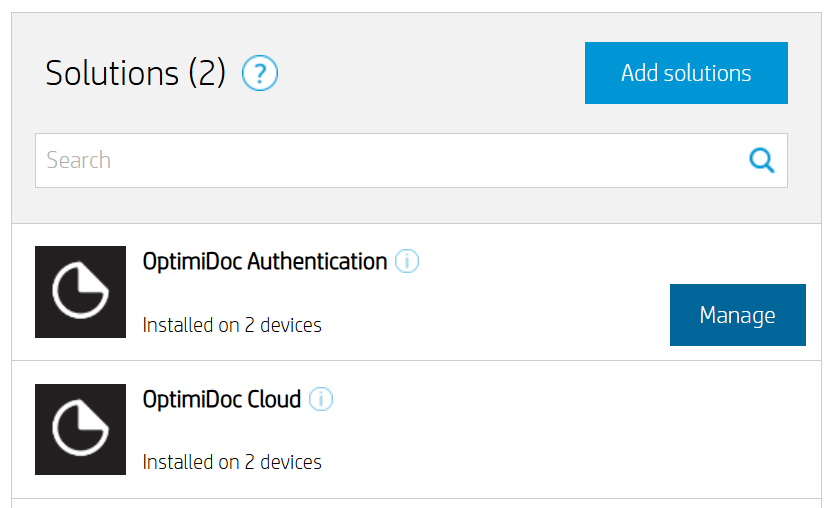
In Solutions list select requested OptimiDoc application and click Manage.
-
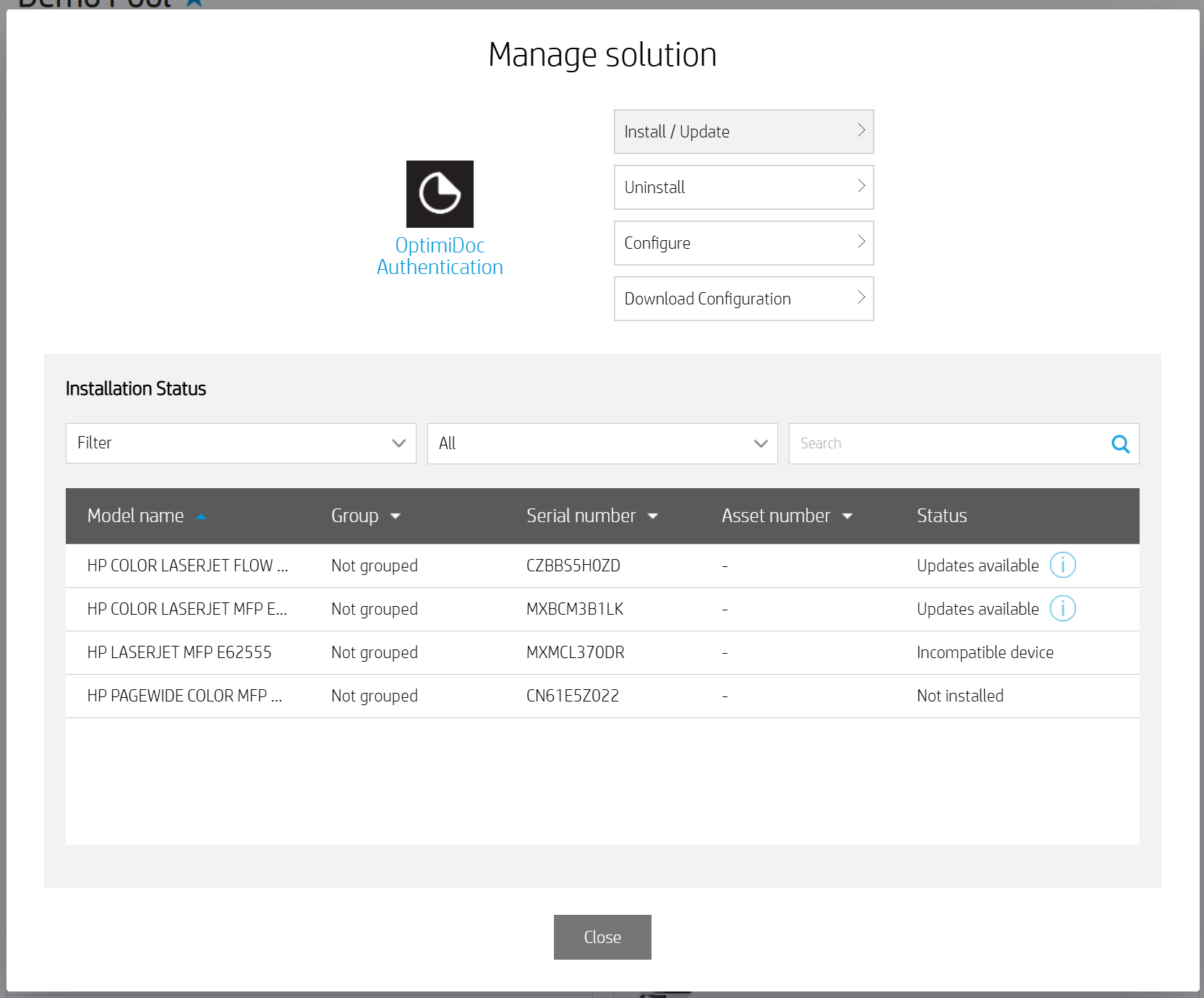
In the Manage Solution window, click Install.
-
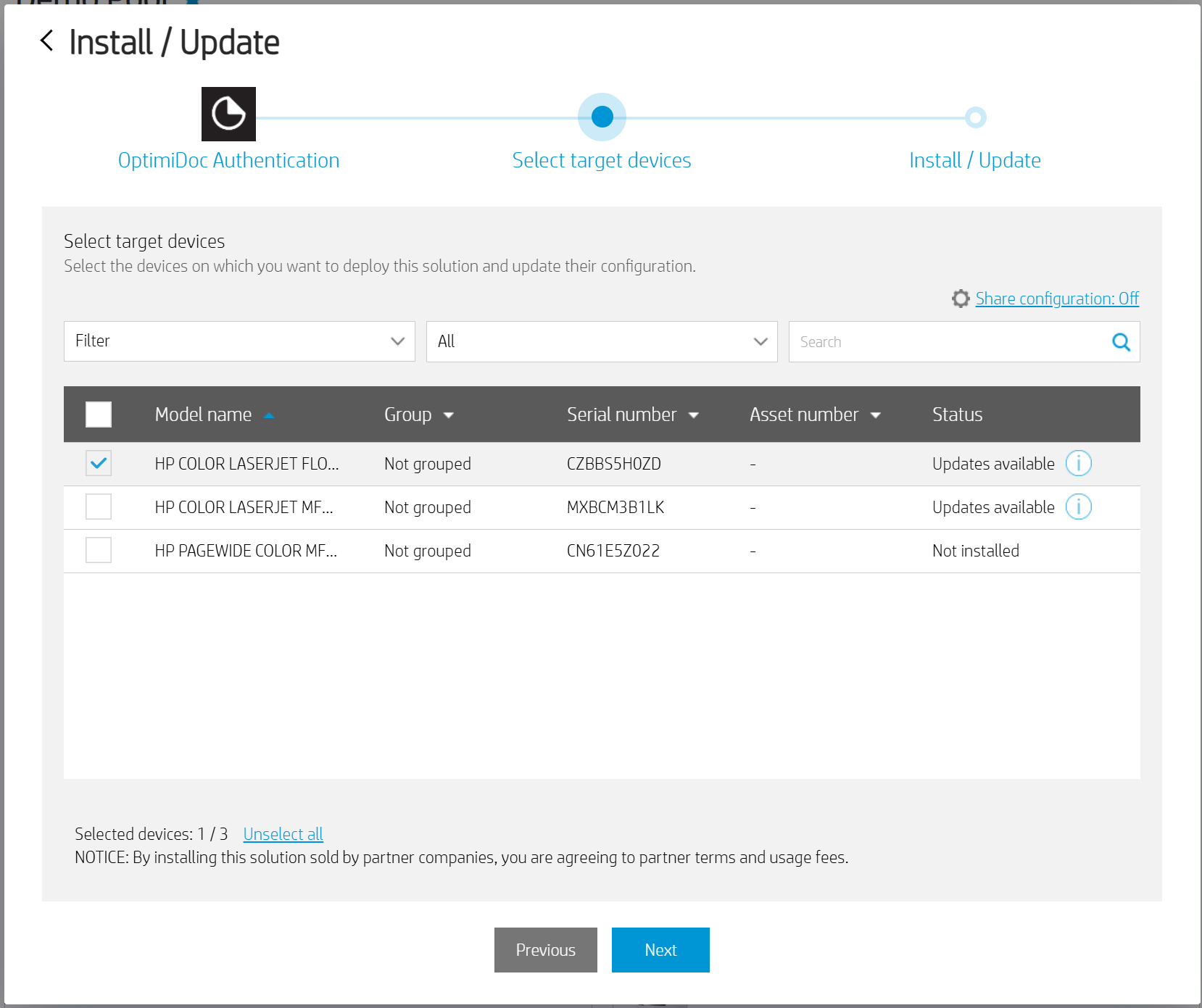
Select the device from the list of available devices and click Next.
-
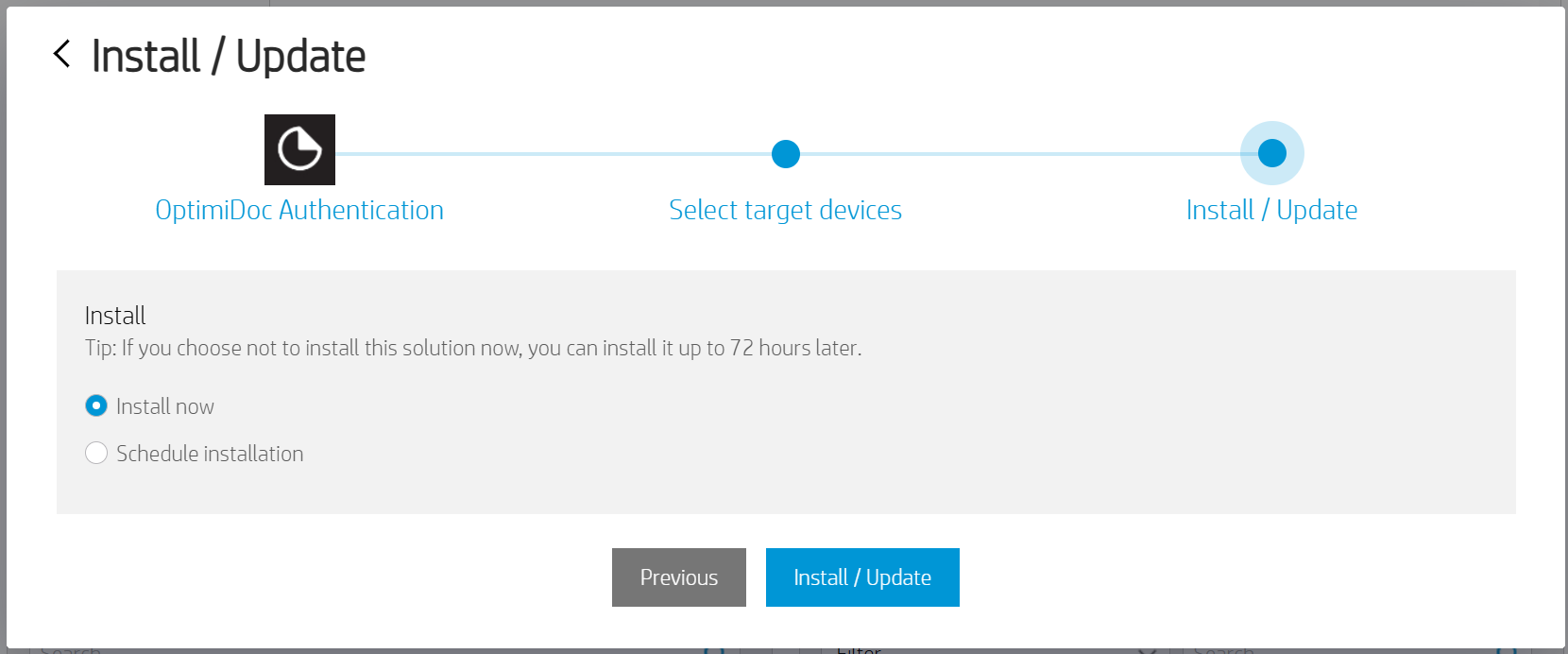
Select the installation time and click Install/Update.
-
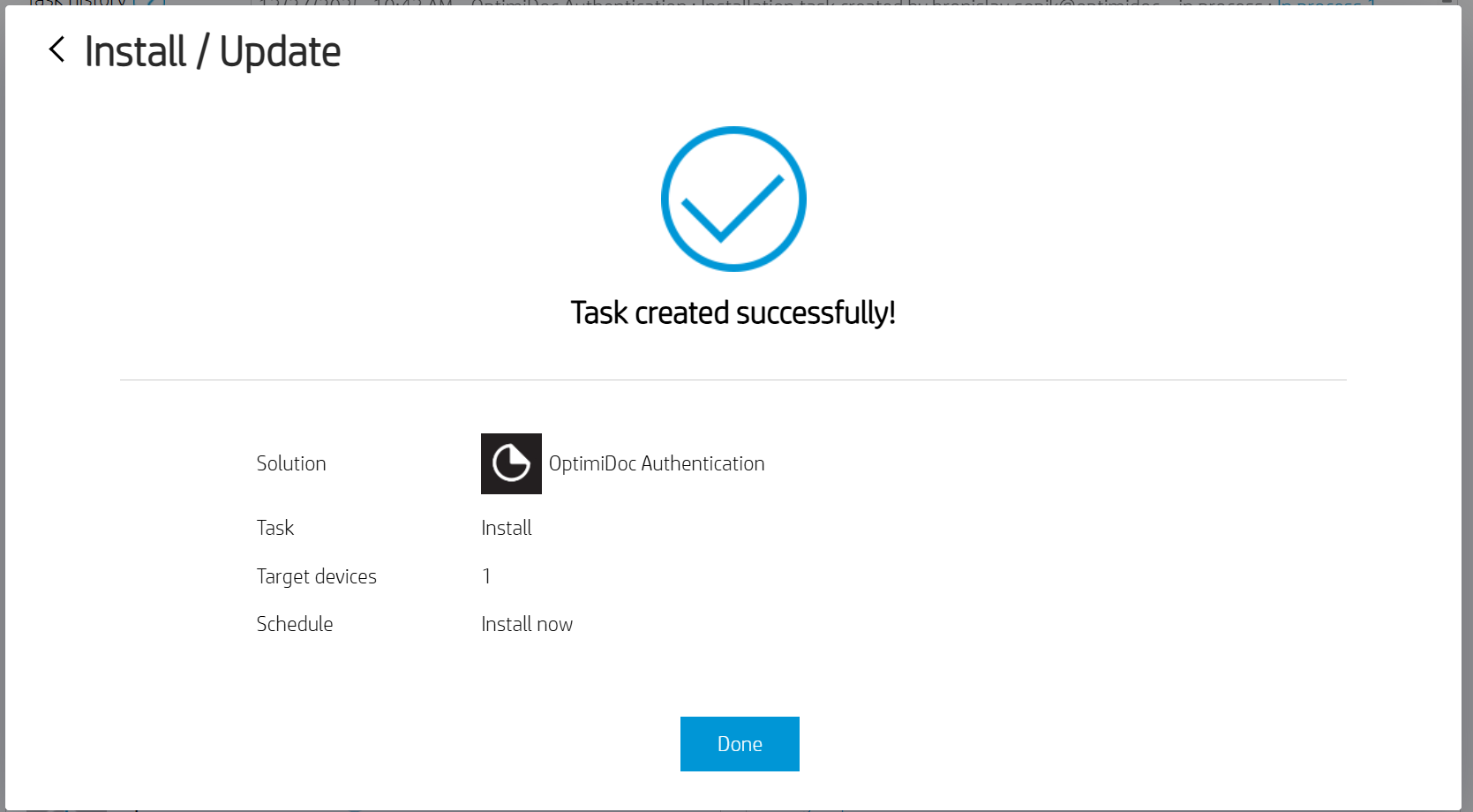
Click Done.
-
Repeat the installation process for the second OptimiDocs application.