
To uninstall the OptimiDoc applications successfully, use the HP Command Centre. If the accounting service is used, unregister it through the OptimiDoc HP Accounting Tool.
HP Command Centre uninstallation
-
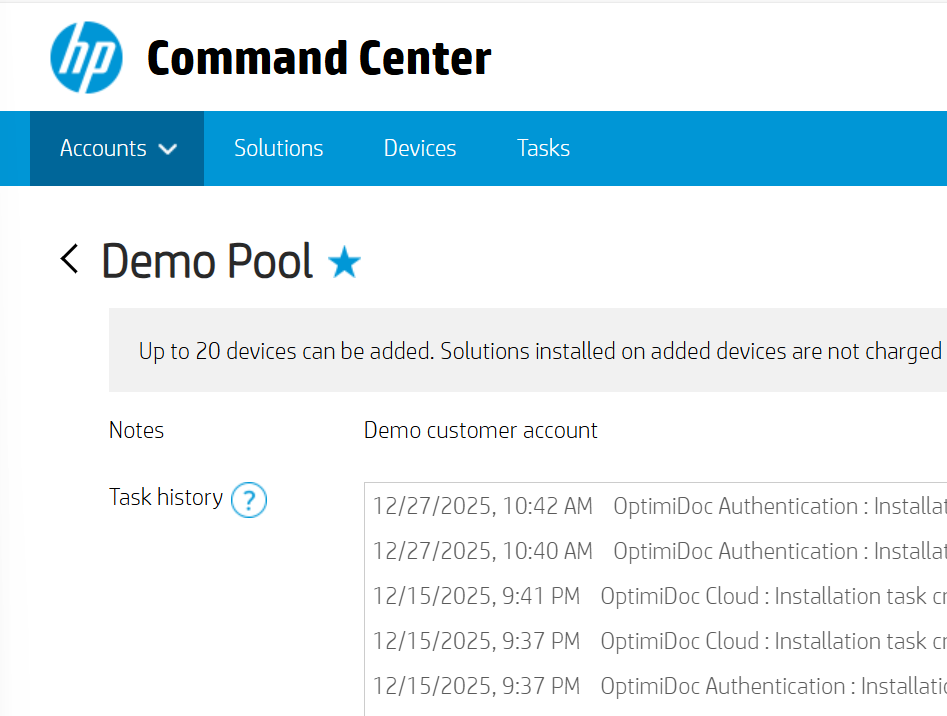
Open the https://www.hpcommandcenter.com/, login and go to the selected Accounts page.
-
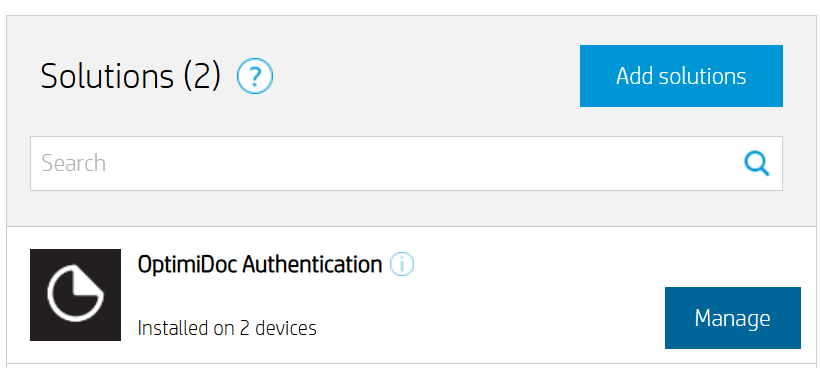
In the Solutions section, select OptimiDoc Authentication, then click Manage.
-
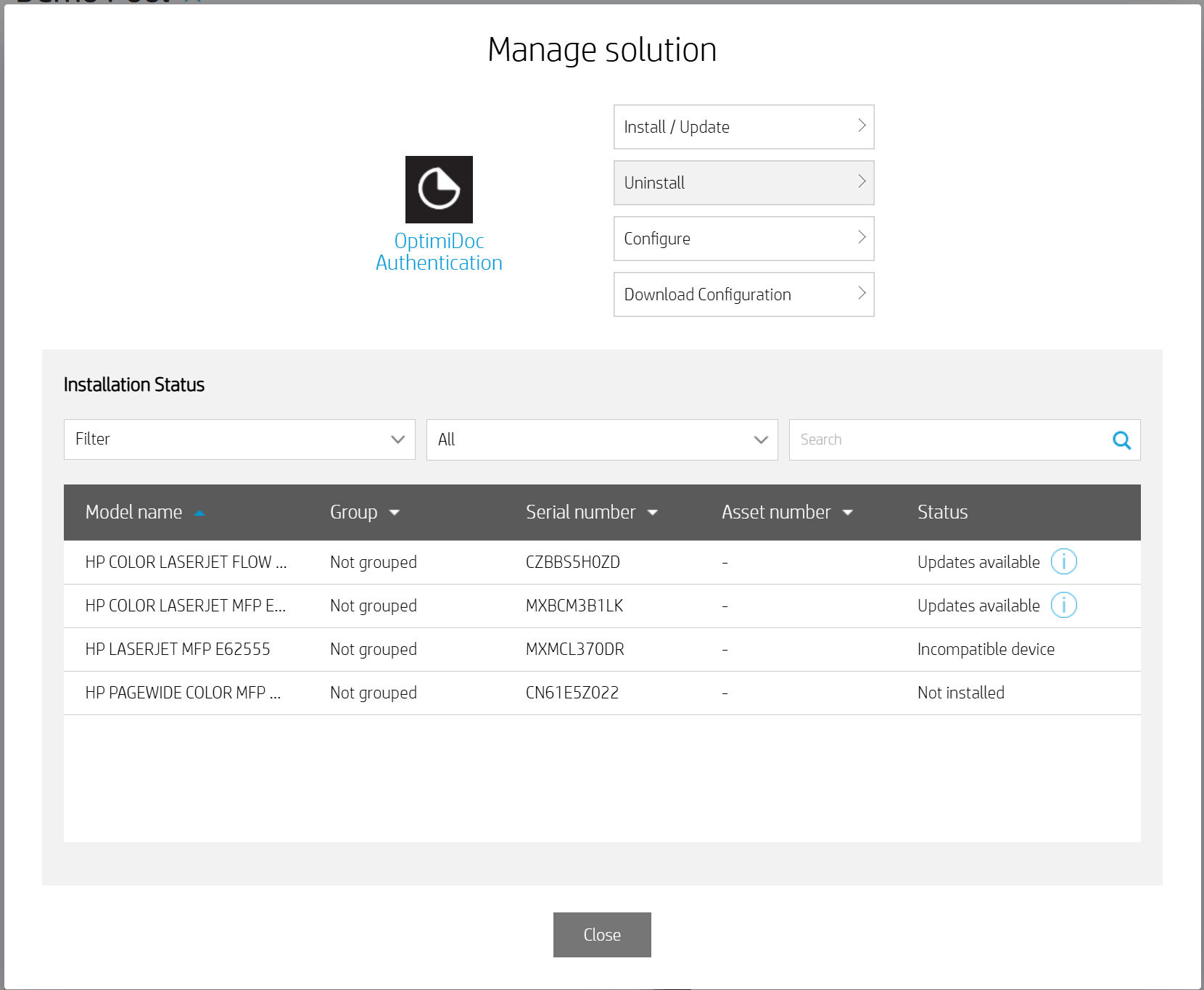
In the Manage Solution window, click Uninstall.
-
Select the target devices and click Next.
-
needs to be done
Accounting service unregistration
-
Download OptimiDoc HP Accounting Tool from the OptimiDoc Partner Portal.
-
Start the application.
-
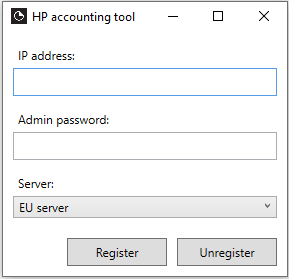
Enter the device IP address, device Admin password, and select the datacentre.
-
Click Unregister.
-
Done.
The OptimiDoc Authentication application must be used for user authentication to ensure complete accounting information for print, copy, and scan operations.