
This tool is required for collecting accounting data from HP devices and sending it to OptimiDoc Cloud. If an HP device is not registered through this tool, accounting data will not be transferred to OptimiDoc Cloud.
Before registering an HP device for accounting data delivery to OptimiDoc Cloud, please ensure that:
-
The OptimiDoc Cloud applications have been installed on the HP device and paired with OptimiDoc Cloud using the Identification Code (available in the OptimiDoc Cloud web interface – Dashboard).
-
The HP device has been activated and enabled in the OptimiDoc Cloud Portal (OptimiDoc Cloud web → Devices).
Registration of accounting service
-
Open the OptimiDoc Partner Portal and log in.
-
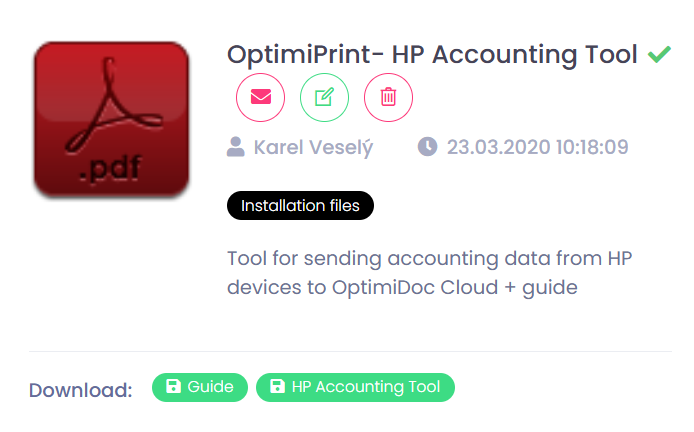
Go to section InfoHub > OptimiDoc Cloud and search for OptimiDoc HP Accounting Tool.
-
Download OptimiDoc HP Accounting Tool from OptimiDoc Partner Portal.
-
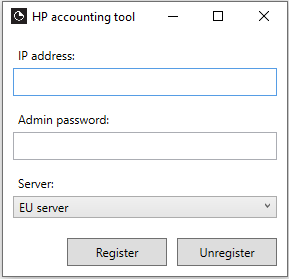
Start the application.
-
Enter the device IP address, tenant Identification Code, and select the datacentre.
-
Click Register.
-
Done.
The OptimiDoc Authentication application must be used for user authentication to ensure complete accounting information for print, copy, and scan operations.