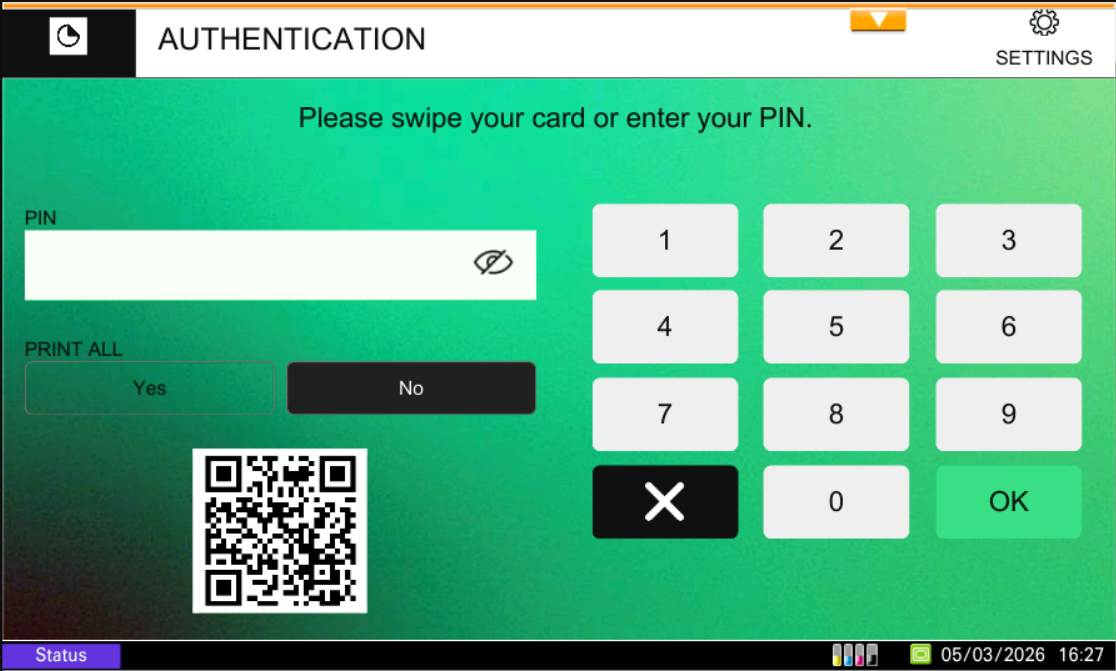
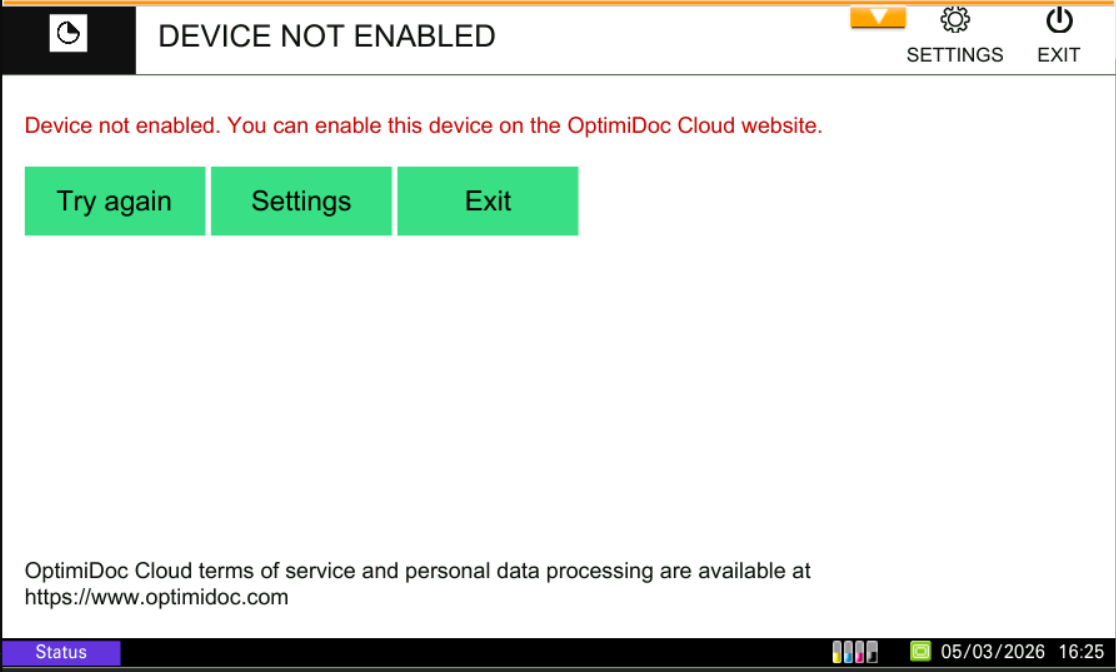
After configuring the OptimiDoc Cloud application, you will need to enable the device on the web.
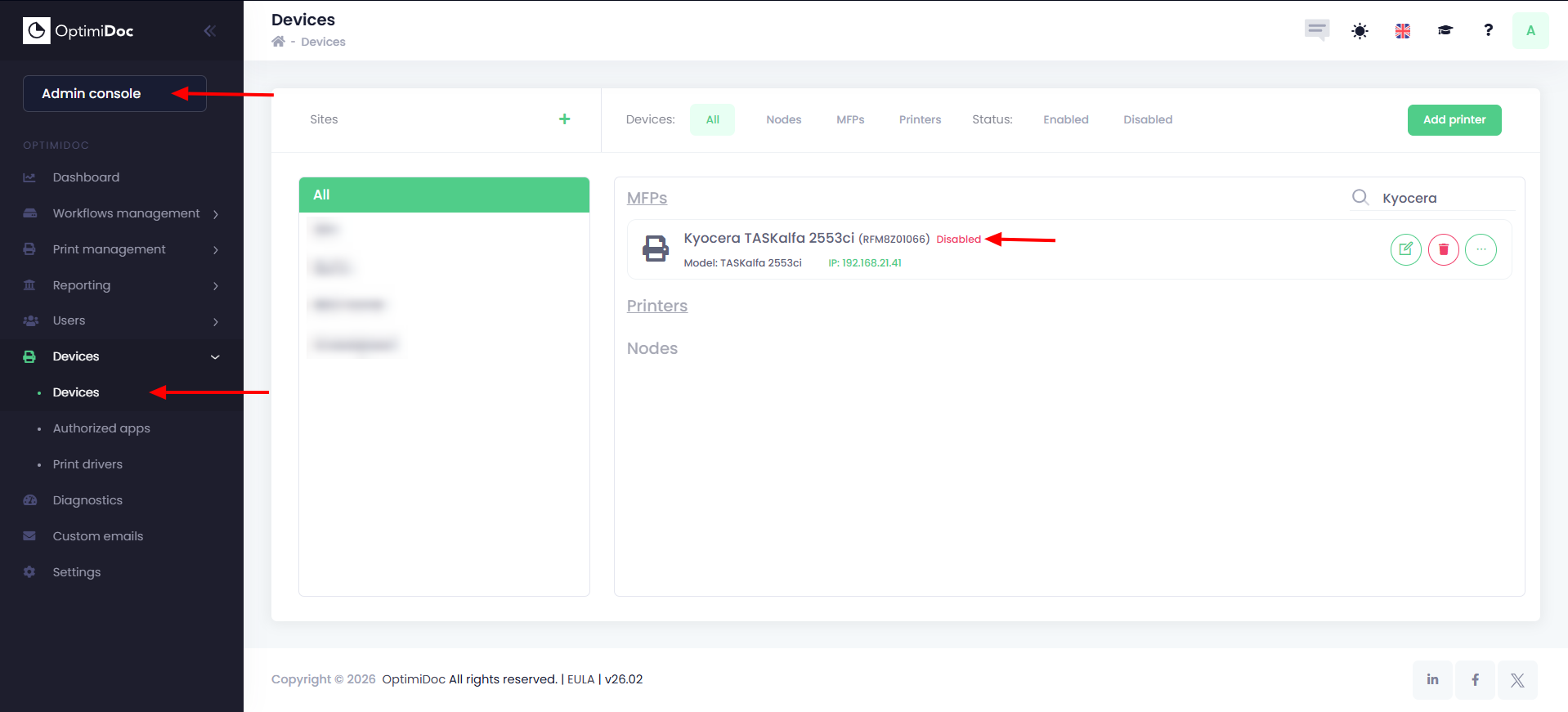
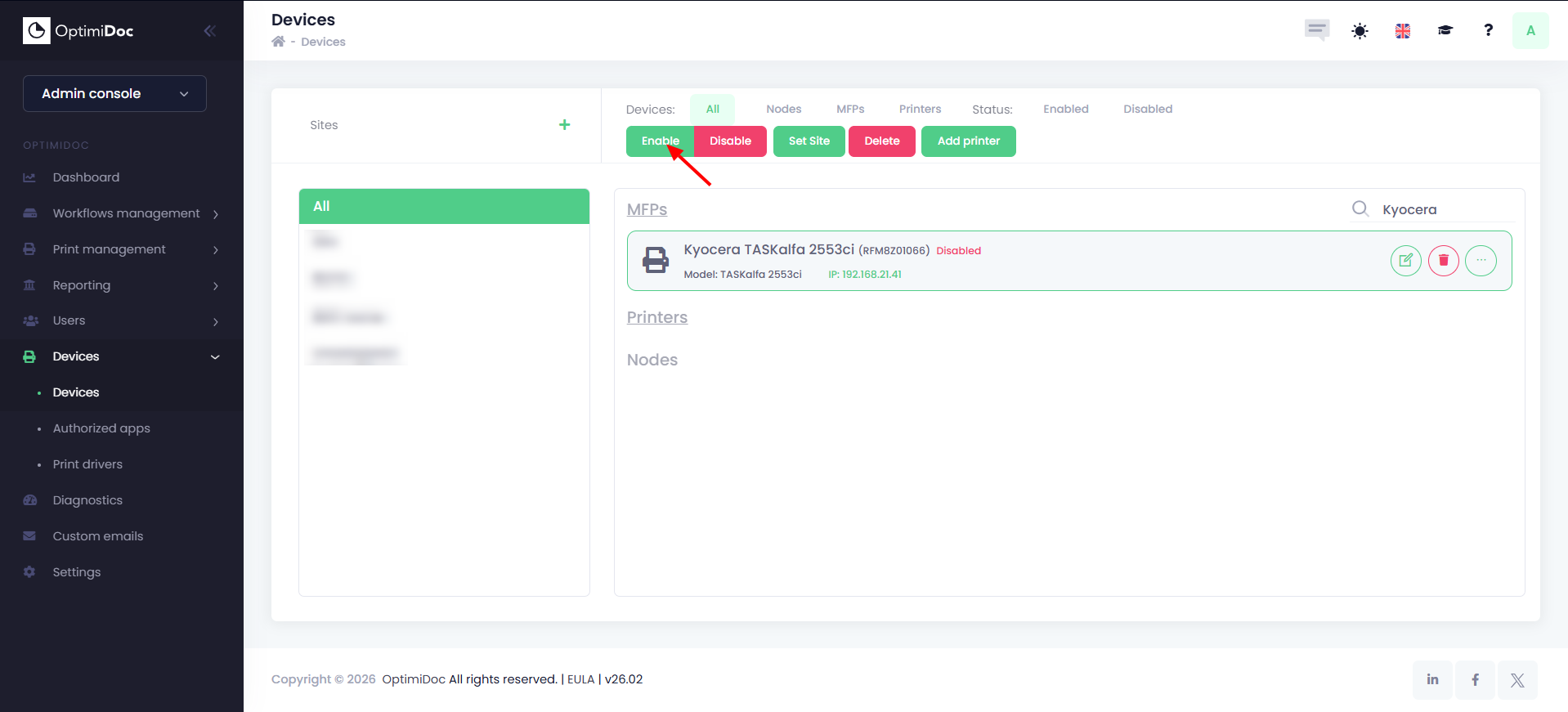
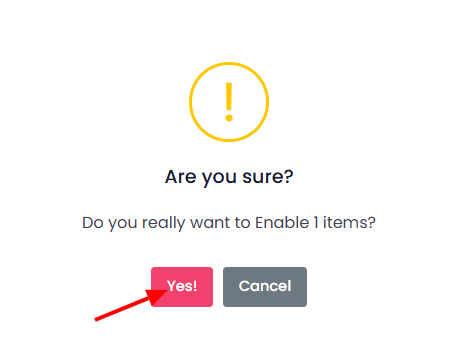
To do this, go to the cloud portal in your browser and enable the device in the Admin console > Devices section, simply by clicking on the device and then enable button.
Once you have enabled the device on the cloud portal, return to the MFP and press the Try again button on the display.
You can now log in to the device.