
The Scan Settings section defines the standard scan configuration for the tenant.
Administrators can specify the default paper size and choose the preferred OCR (Optical Character Recognition) and BCR (Business Card Recognition) languages that will be automatically pre‑selected for new scan jobs.
These defaults ensure consistent behaviour across all devices and workflows within the company.
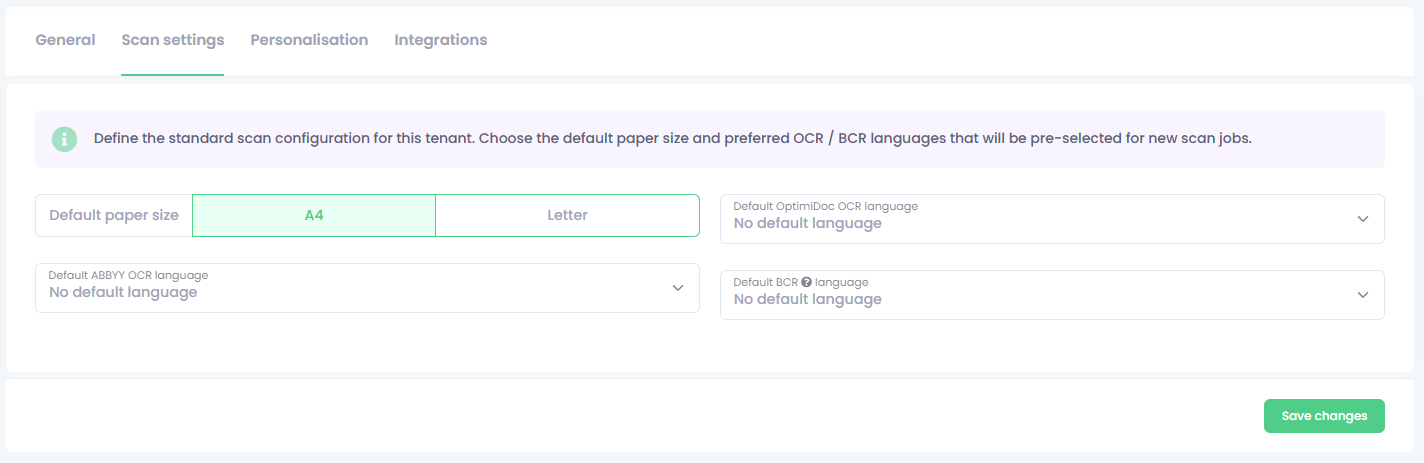
Default scan settings apply to the entire tenant, but they can be individually overridden within each document workflow.
This allows administrators to tailor paper size, OCR language, BCR language, and other scan parameters for specific processes while keeping a consistent global configuration for general use.