
Relevant licenses: OptimiPRINT
The Print Connectors section provides configuration options for advanced printing functionalities in OptimiDoc Cloud, including pull printing and printing from company cloud storage.
In OptimiDoc Cloud, every print destination or pull‑printing spooler is referred to as a Print Connector. Print Connectors allow users to access personal or shared cloud storage directly from the MFP panel or mobile application and request document release. Each connector offers its own configuration options depending on the storage type and authorisation method.
OptimiDoc Cloud provides two basic types of Print Connectors:
-
Virtual Spoolers
The core of OptimiDoc Cloud print management is Pull Print functionality, which allows print jobs to follow the user. Users can submit documents from various sources—including native printers on workstations created by the OptimiDoc Cloud Client, email, or the web interface—and release them securely at any supported multifunction printer (MFP) after authentication or at a network device with a mobile application. -
Print Destinations
Allows users to browse a specific cloud storage location directly on the device panel or mobile app and release documents stored there.
Print connectors list
In the section Print management > Print connectors, you can see the list of created workflows under your company.
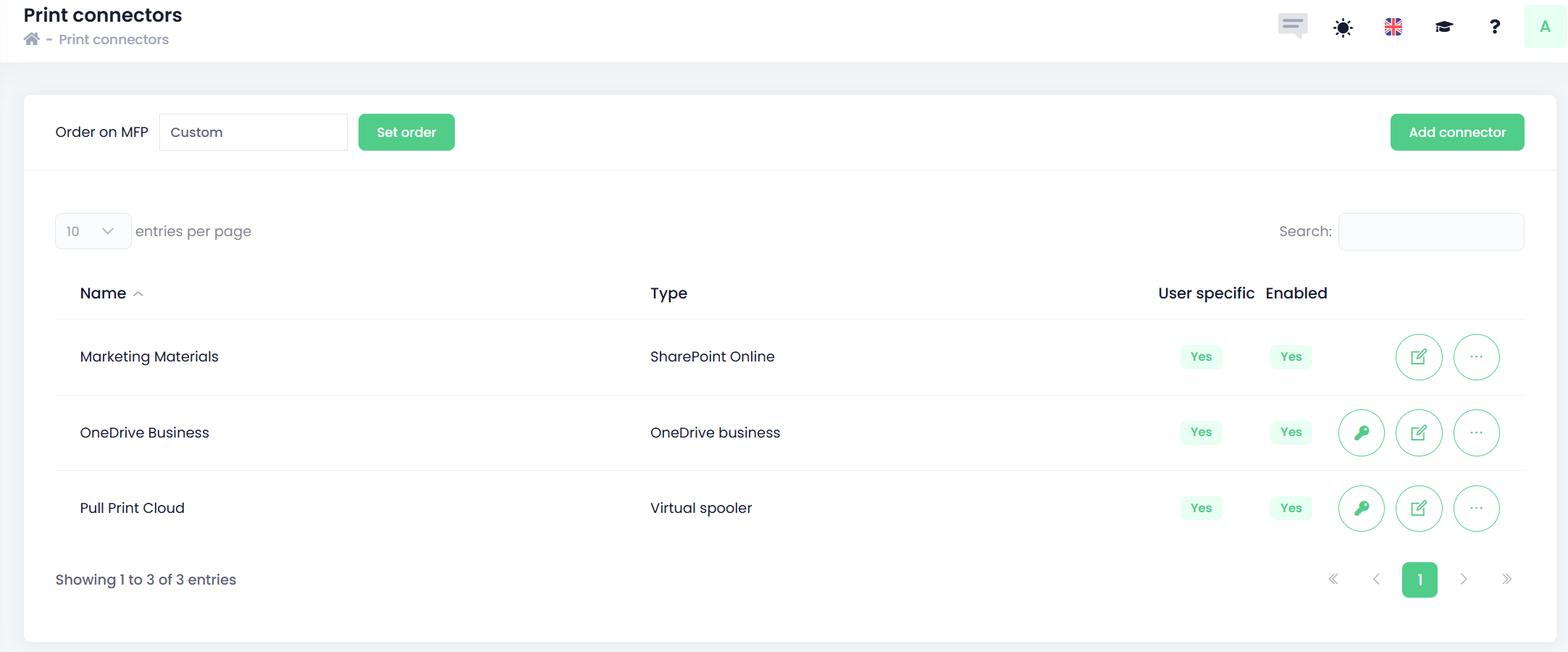
From this section, you can:
-
Create a new print connector
-
Manage the current print connectors