-
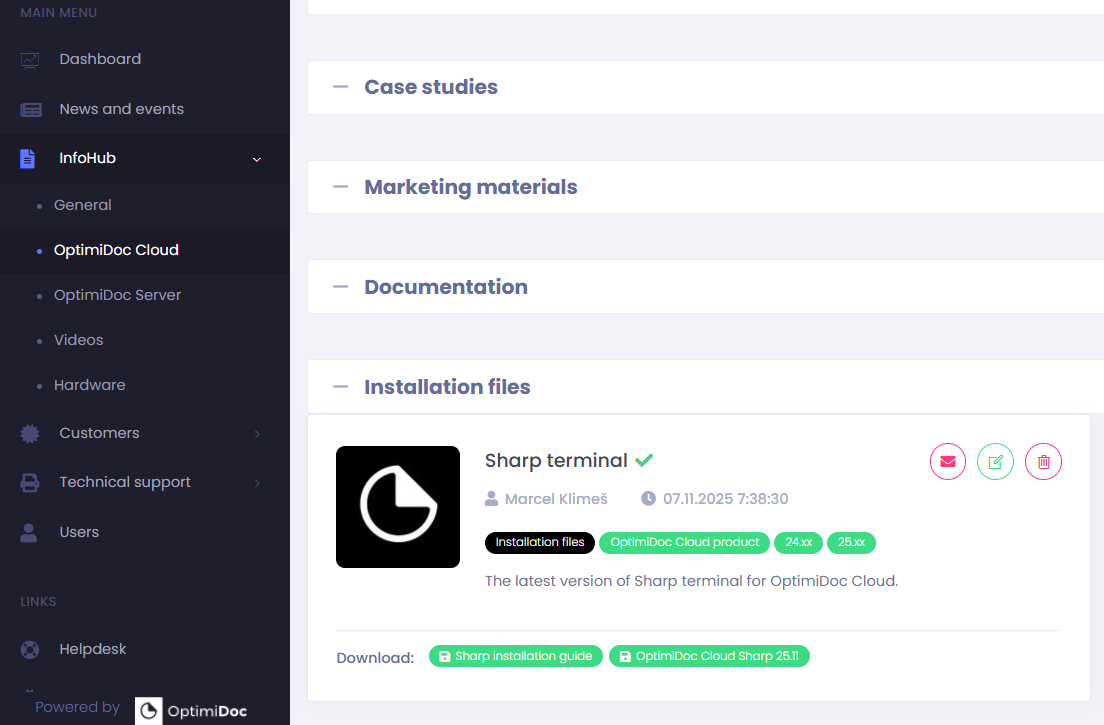
Open the OptimiDoc Partner Portal and log in.
-
Go to section InfoHub > OptimiDoc Cloud and search for Sharp terminal.
-
Click Download
-
Open the printer’s web interface and sign in as an administrator.
-
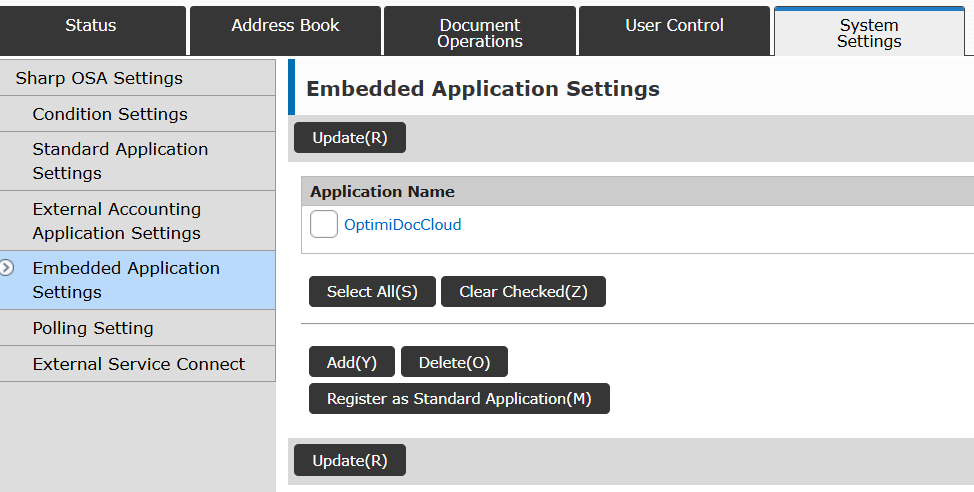
In the System Settings section, select Sharp OSA Settings > Embedded Application Settings from the menu.
-
Click Add
-
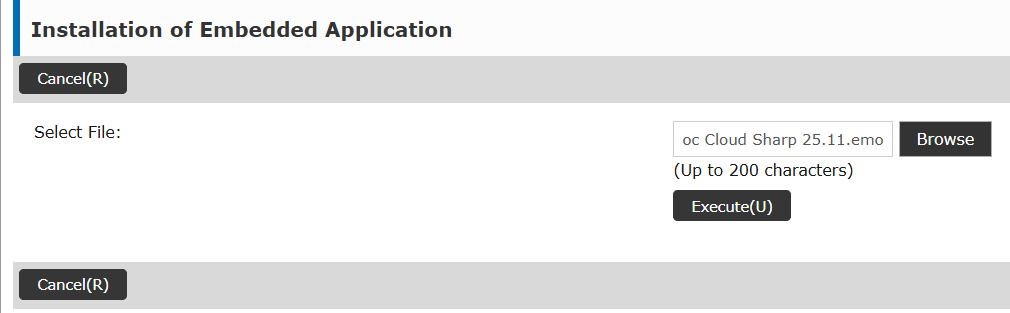
Browse the .emo file you have downloaded from Partner Portal.
-
Click Execute
-
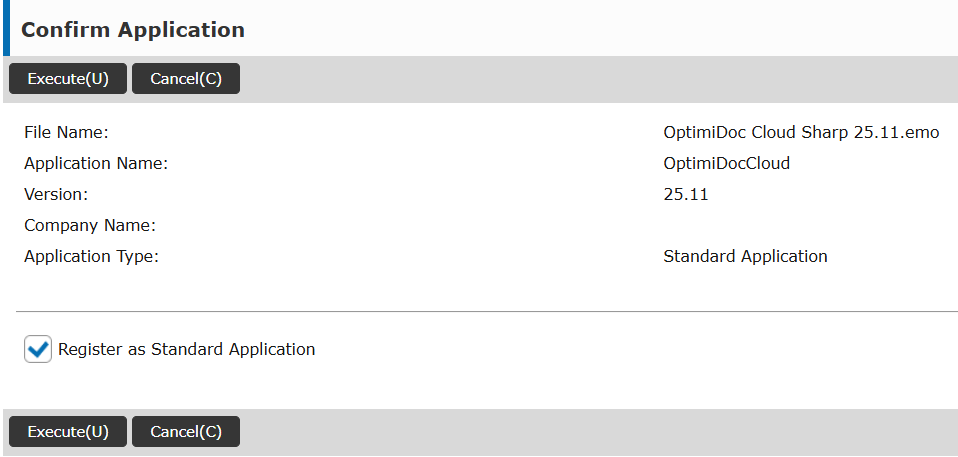
Click Register as Standard Application.
-
Click Execute.