
To successfully install the OptimiDoc Cloud embedded application, the following prerequisites must be met:
-
The latest Sharp firmware must be installed on the device.
-
The device must have connectivity to the selected OptimiDoc Cloud data centre.
-
The tenant must be enabled in OptimiDoc Cloud.
-
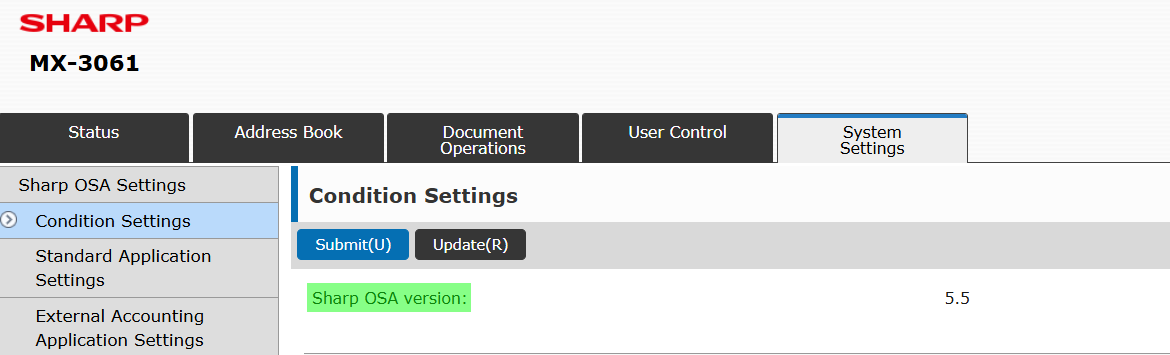
Each device must have Sharp OSA version 5.5 or higher. The Sharp OSA version for a specific model can be found in the supported devices section (https://optimidoc.atlassian.net/wiki/x/EwB4). You can find the Sharp OSA version on your device by going to the device's web interface and logging in as an administrator. Then go to the System Settings section and select Sharp OSA Settings from the menu.
-
To enable the Sharp OSA, the following option kits must be installed on the MFP:
-
MX-AMX2 - Application Communication Module
-
MX-AMX3 - External Accounting Module - Required if Optimidoc is used to lock down the MFP
-