
Departments allow administrators to organise users into logical units that mirror the company's organisational structure. Departments are used for cost reporting, access control, and filtering in the user management interface.
This overview helps administrators quickly understand the organisational structure and user distribution across departments
Each user can be assigned to one department, which can then be referenced by groups or other configuration rules.
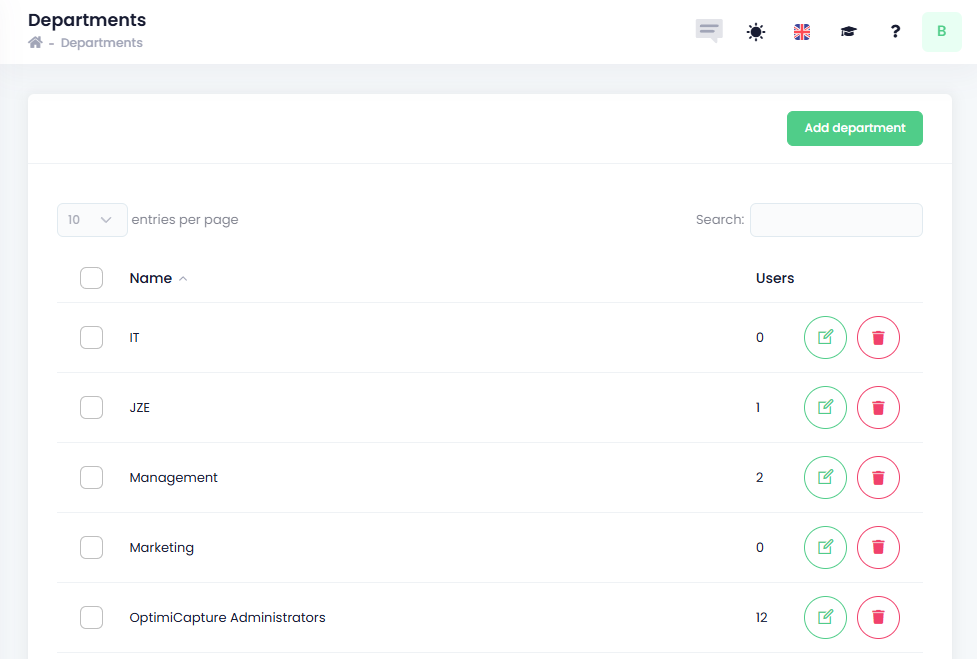
Available information:
-
Name – Name of department
-
Users – Number of users assigned to the department
-
Operations – Available actions for the selected device
-
Only departments without assigned users can be deleted. -
-
How to add a new department
To create a new department:
-
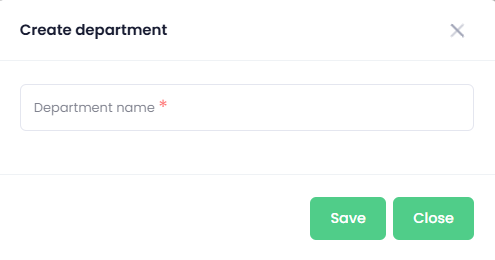
Click Add Department.
-
Enter the department name.
-
Click Save.
The new department will be available immediately and can be assigned to users.