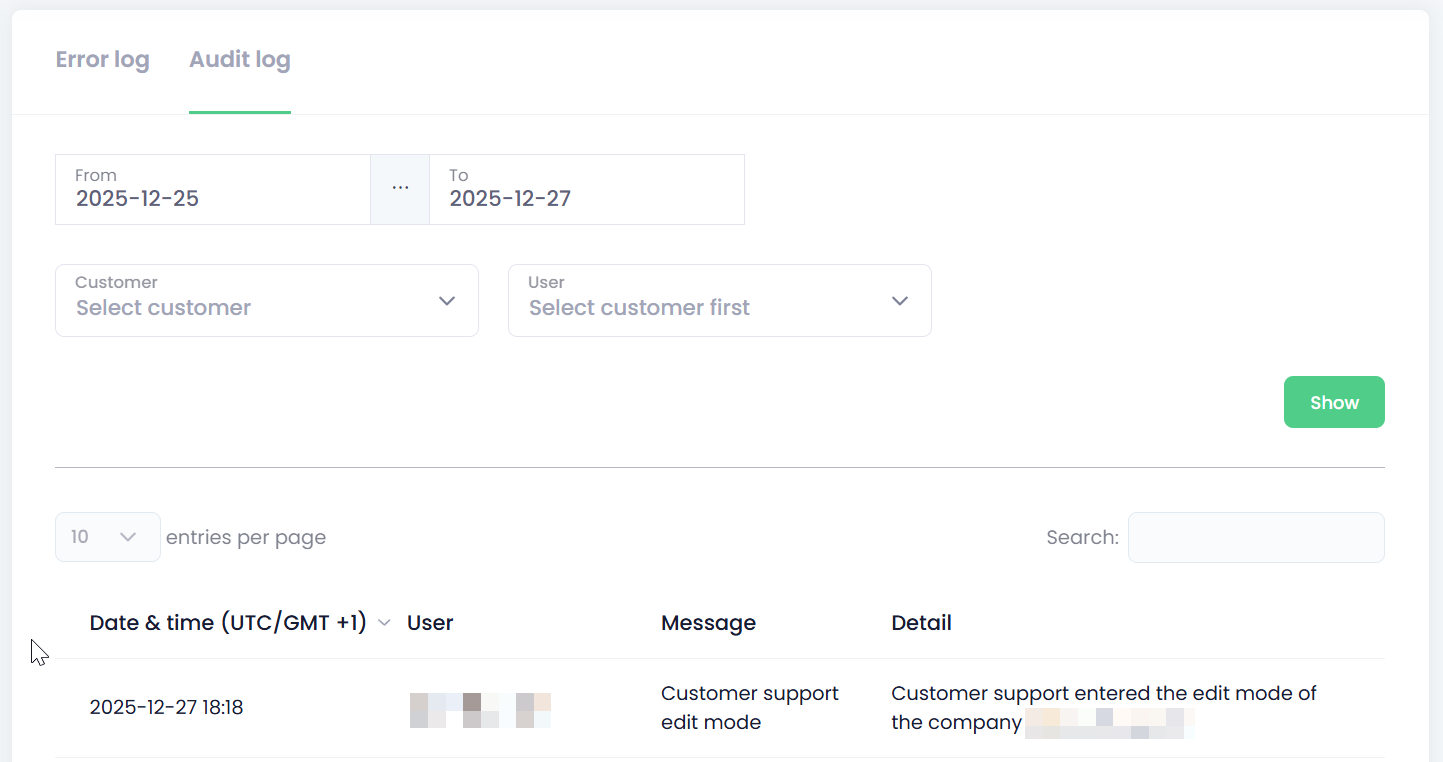
As with any other system, issues may arise during implementation and everyday use. This section provides guidance on how to analyse and diagnose problems within your customers’ tenants.
The Partner Overview includes a diagnostic section designed to help you troubleshoot customer issues. To access the diagnostics area, click Diagnostics in the left‑hand menu.
Two parts are available:
-
Error log - An error log is a record of system or application errors.
-
Audit log - An audit log (also called an audit trail) is a chronological record of who did what, when, and from where in the system. It is focused on security, compliance, and traceability, not technical errors.
Other troubleshooting options are available through Tenant Support Mode.
Viewing Error logs
-
Open the Diagnostics section and navigate to the Error Log tab.
-
If needed, specify a Time Range, Customer, or User to narrow down the results.
-
Click Show to display the log entries.
-
The Error Log lists all recorded errors based on the filters you have applied.
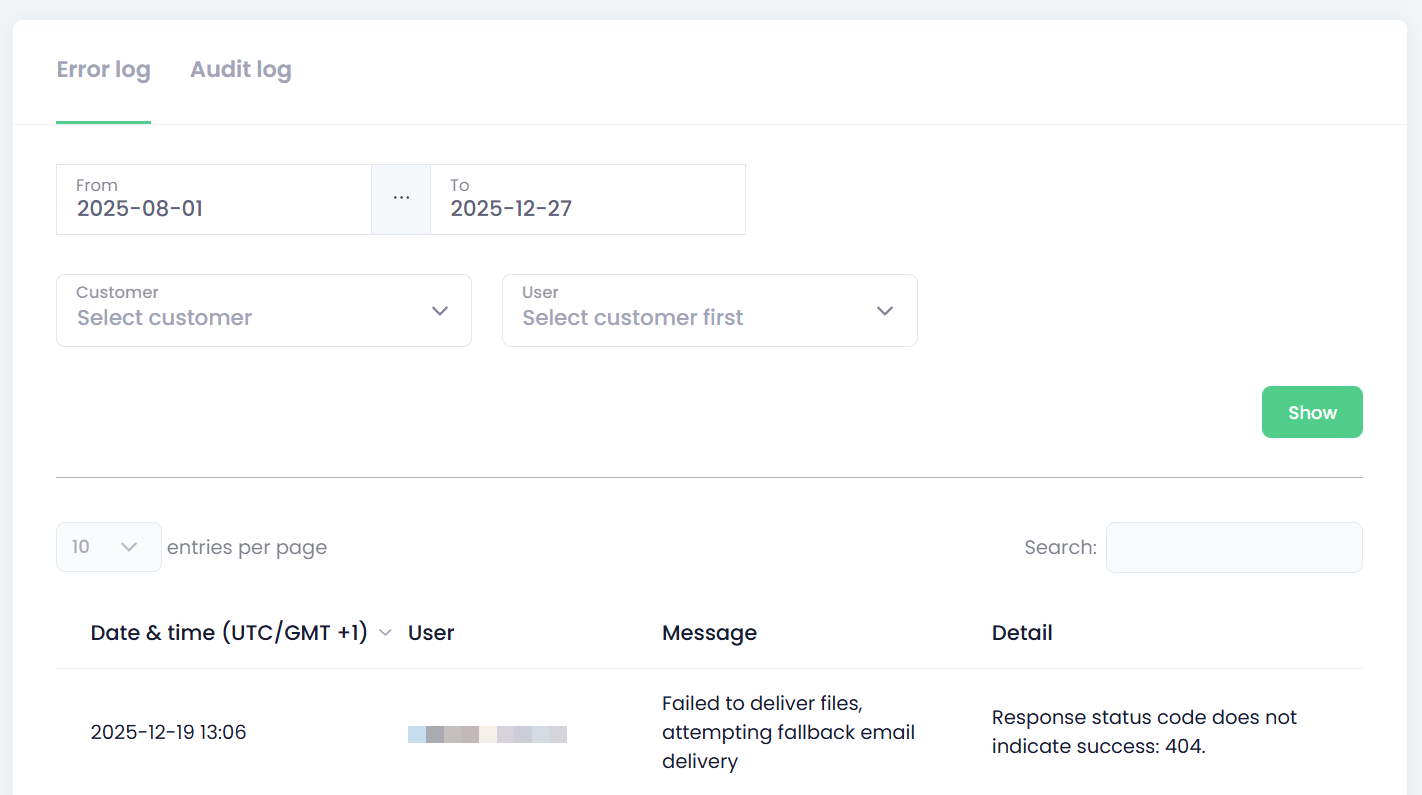
Additional information can be provided by the OptimiDoc Support team upon request.
Viewing Audit logs
-
Open the Diagnostics section and navigate to the Audit Log tab.
-
If needed, specify a Time Range, Customer, or User to narrow down the results.
-
Click Show to display the log entries.
-
The AuditLog lists all recorded operations based on the filters you have applied.