
After successful installation and authentication, the OptimiDoc Cloud Mobile application creates native printers in the operating system for all available virtual spoolers.
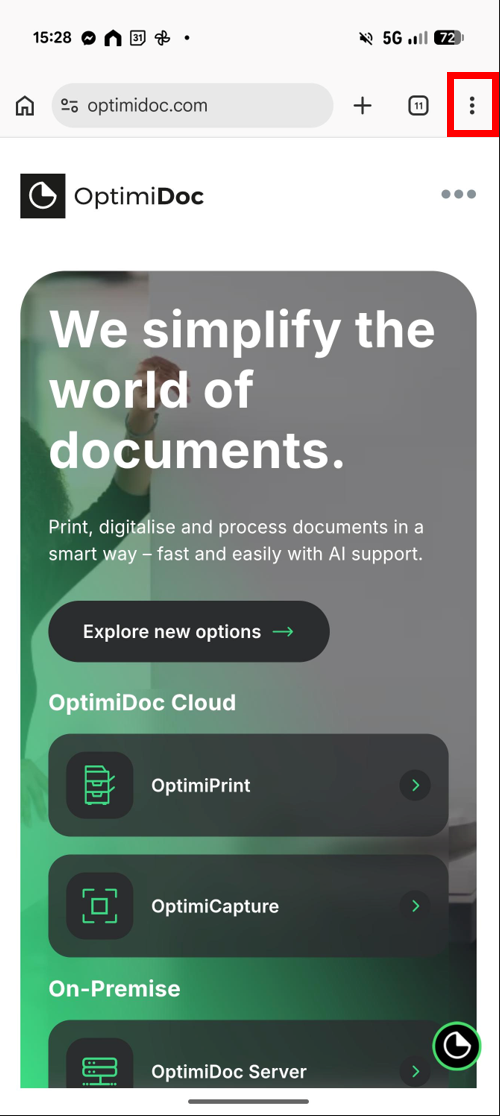
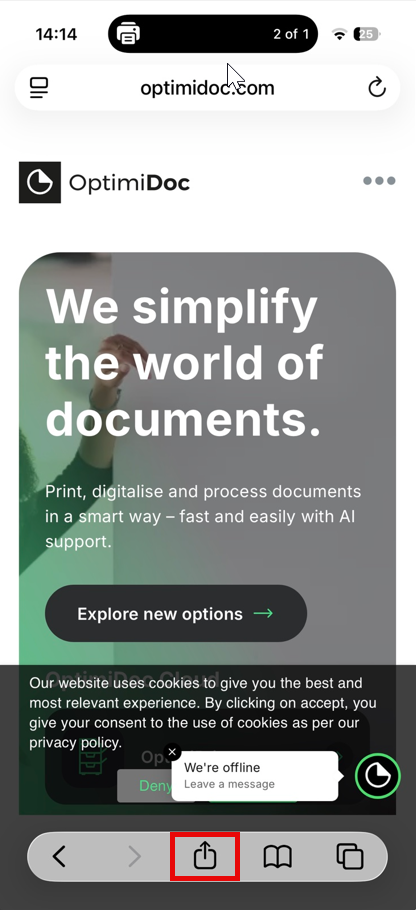
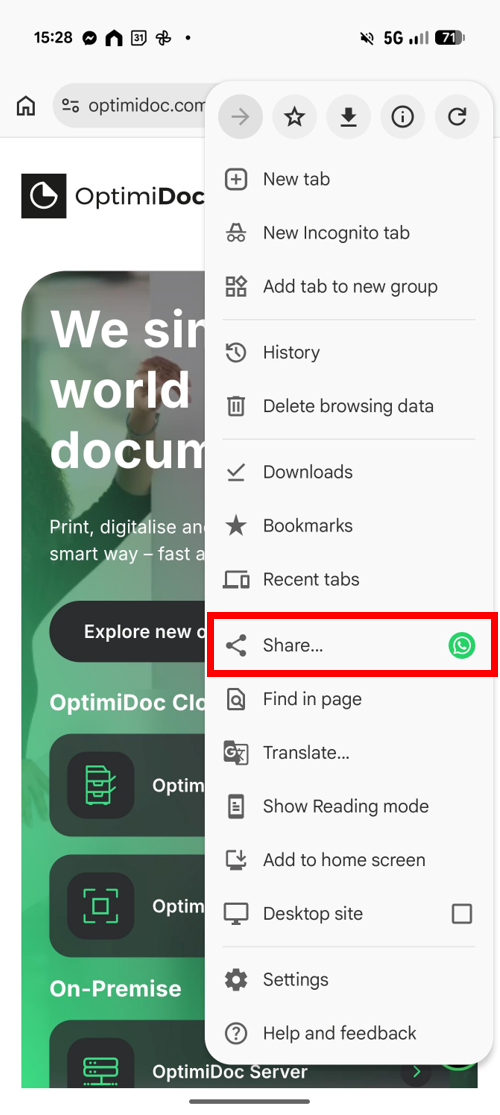
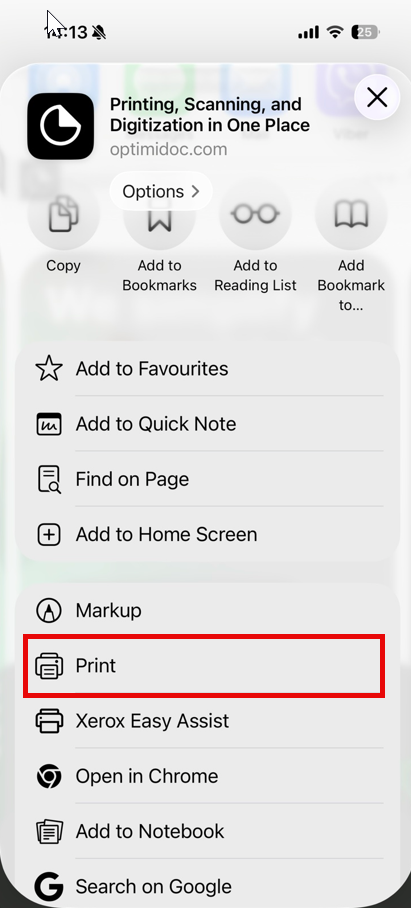
To release a document, use the standard print functionality of your device and select the required virtual spooler.
|
Android |
iOS |
|---|---|
|
|
|
|
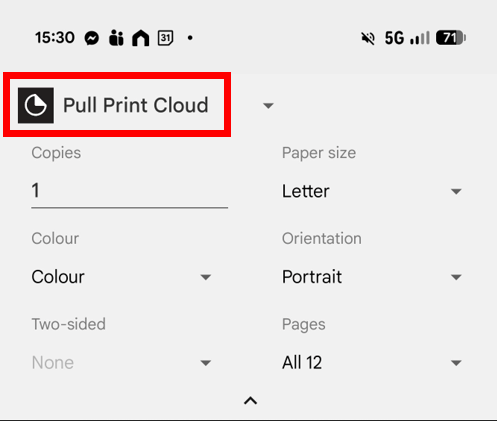
|
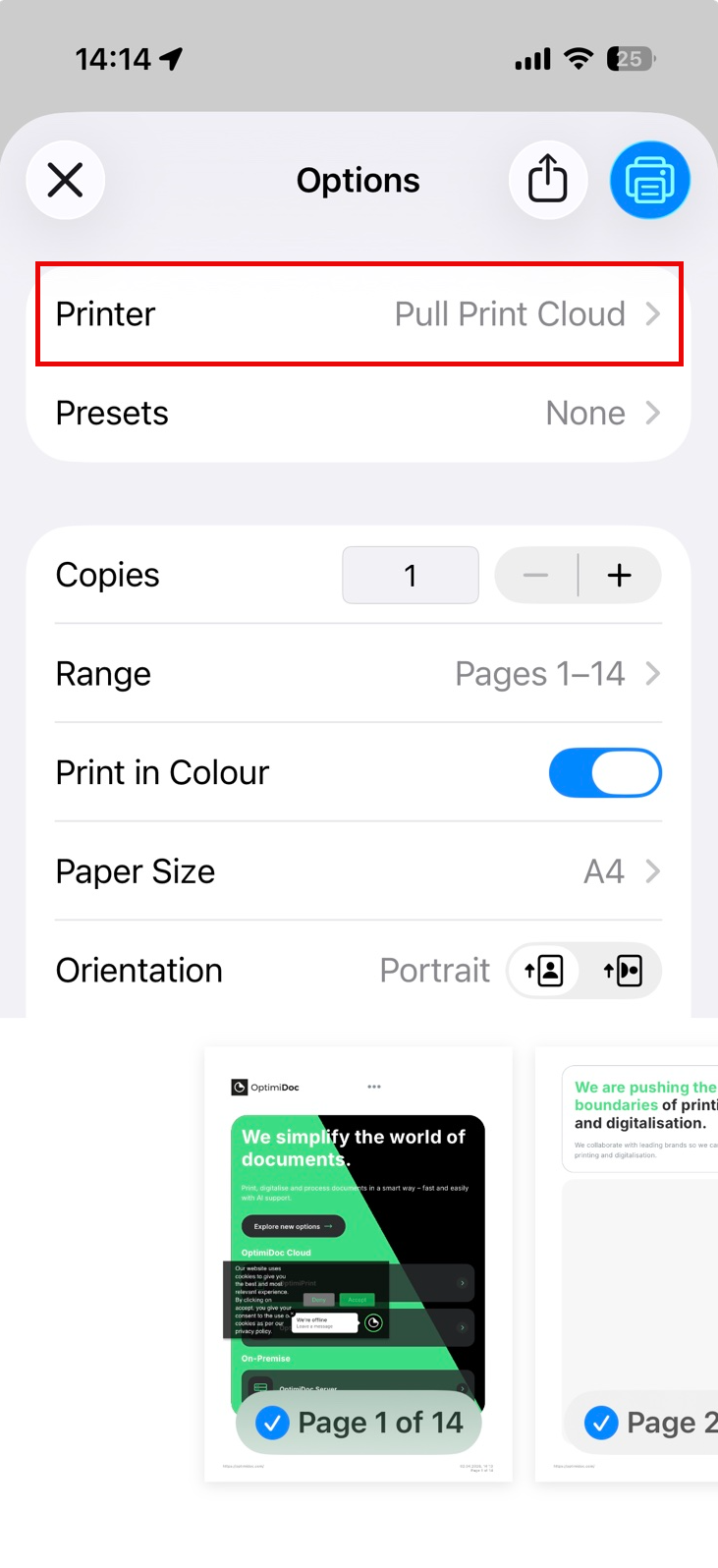
|
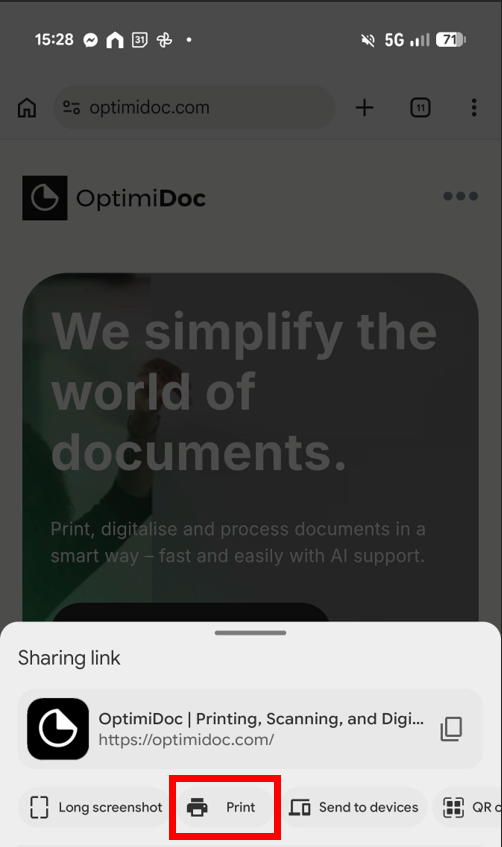
Copies, Colour print options configured in the print menu are currently not reflected in OptimiDoc during print job processing.