
The latest version of the OptimiDoc Cloud Client can be obtained either from the OptimiDoc Cloud Digital Workspace or by using a direct download URL.
Option 1 – Download from OptimiDoc Cloud Digital Workspace
-
Sign in to the OptimiDoc Cloud administration portal or partner distribution location.
-
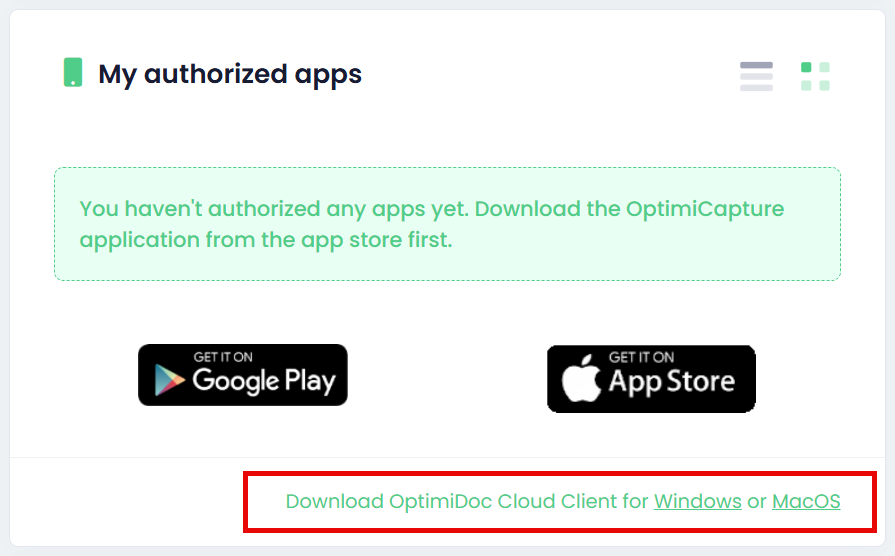
Locate the My authorised apps widget.
-
Download the OptimiDoc Cloud Client installer for the required operating system.
Option 2 – Download via Direct URL
The OptimiDoc Cloud Client can also be downloaded directly using the following links:
-
Windows (MSI package):
https://optimidoc.cloud/client/ -
macOS (PKG installer):
https://optimidoc.cloud/client/mac/